Electrical Invoice Generator and Online Templates
Create electrical invoices online with itemized labor and materials. Choose a template, customize your details, and download a free, watermark-free PDF.
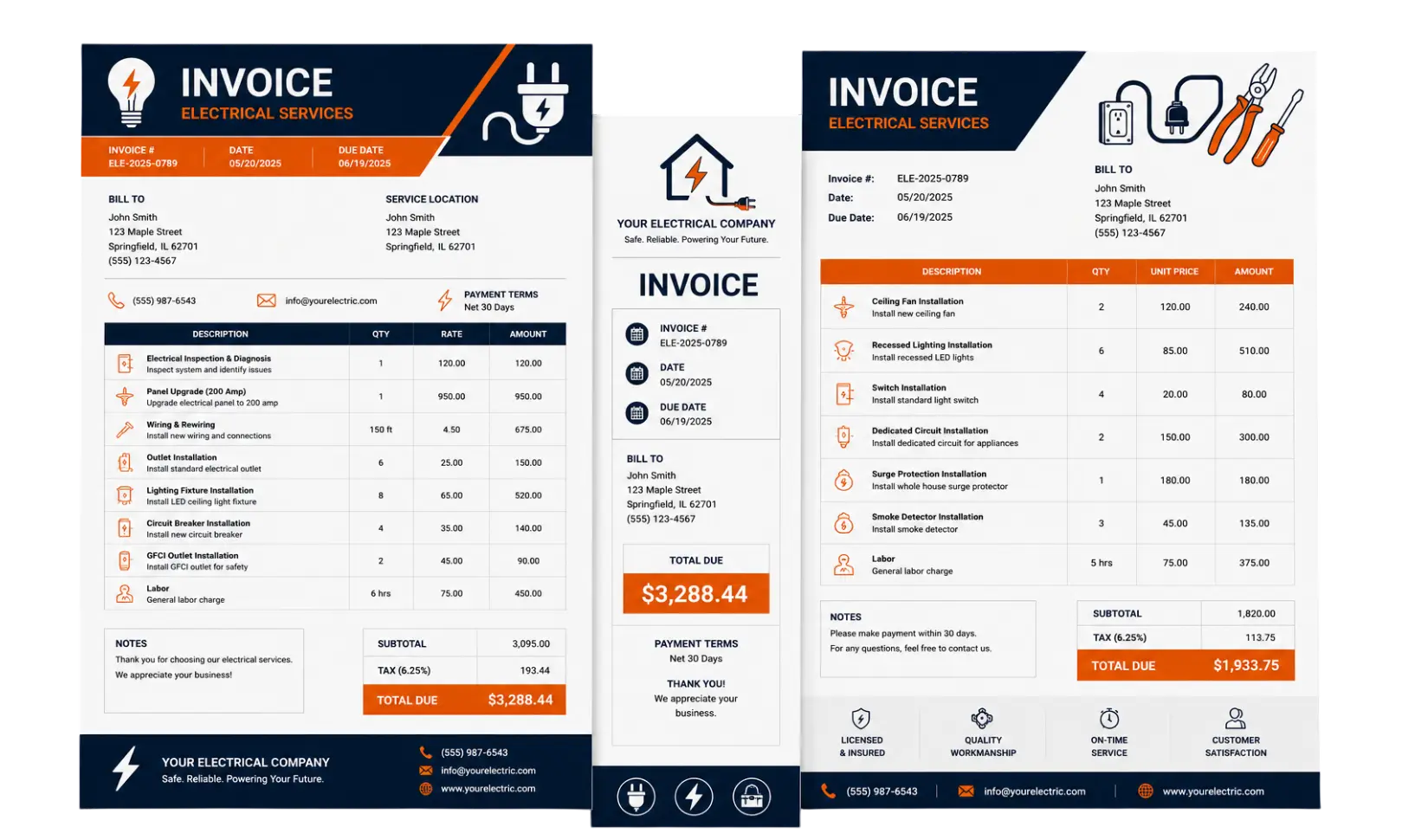
Invoice Preview
Signature
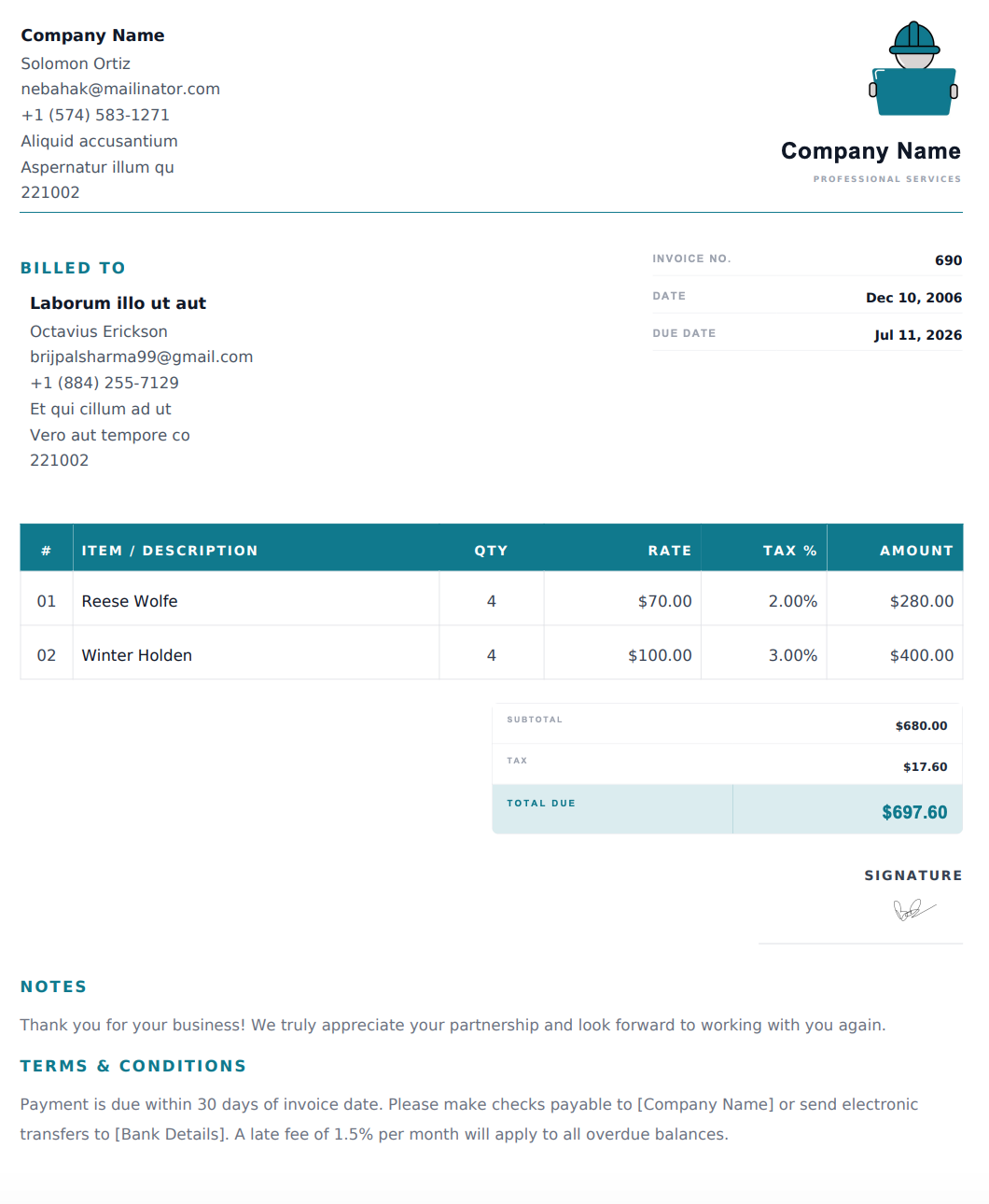
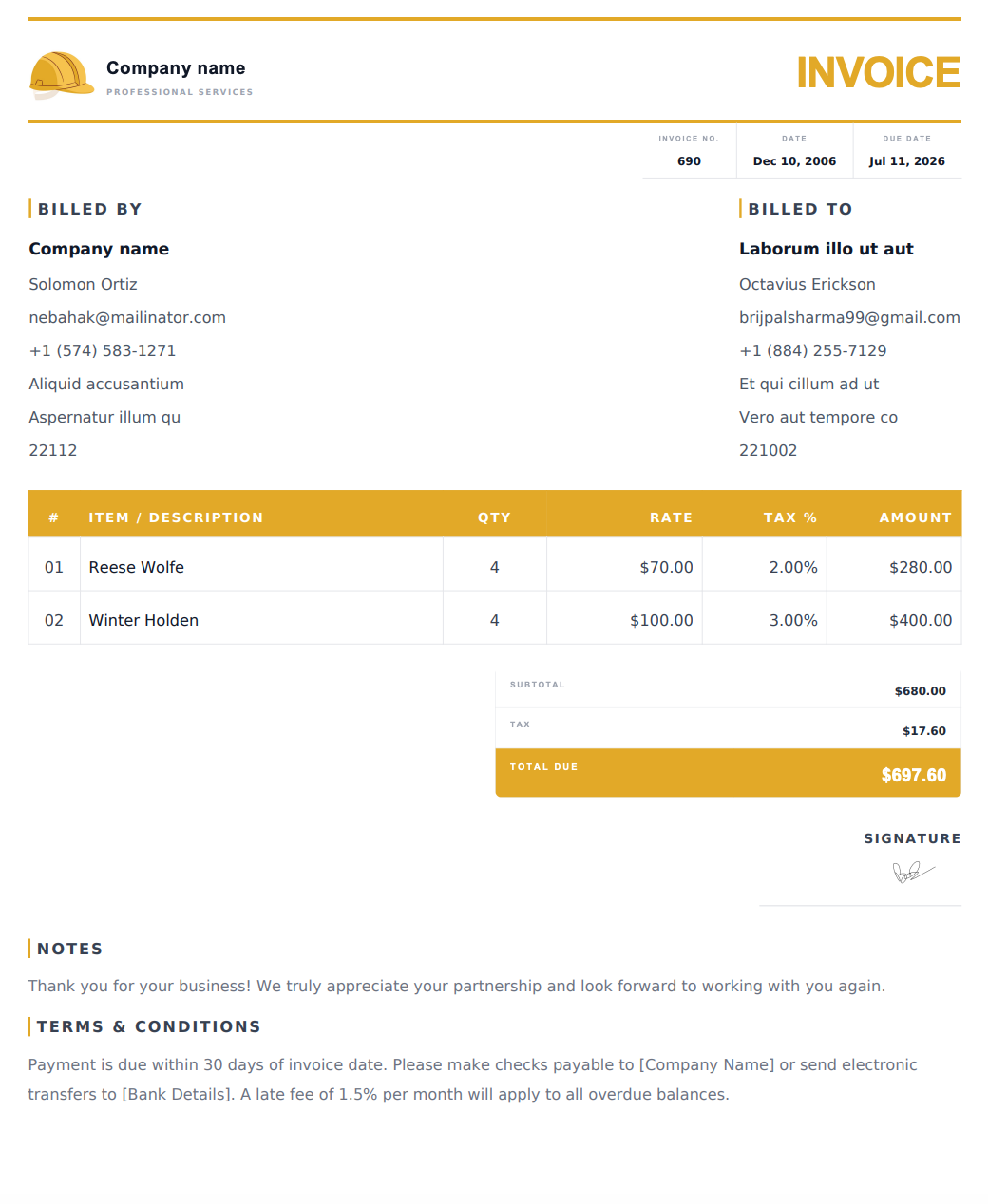
Choose an Online Electrical Invoice Template
Select a design below to start building your Electrical Invoice.
How to Create an Electrical Invoice Online
1. Enter Your Business and Customer Details
Add your electrical business name, logo, and contact information. Include the customer’s name, billing details, and service address so the invoice identifies the correct job.
2. Describe the Electrical Work
List the services performed, such as troubleshooting, wiring, lighting installation, or panel upgrades. Include the location or area serviced where it helps explain the work.
3. Add Labor, Materials, and Other Charges
Enter labor hours and rates, or an agreed fixed service charge. List electrical components and materials separately, with quantities and prices. Include applicable taxes, agreed discounts, and any additional charges.
4. Review and Download Your PDF
Add your invoice number, issue date, payment due date, and payment instructions. Check the descriptions and totals, then download your invoice as a PDF to email or print.
What to Include in an Electrical Invoice
Give your customer a clear breakdown of the work and the amount due. Include these details where relevant:
Business information: Your company name, address, phone number, email, and optional logo.
Customer and job details: The customer’s name, billing address, and service location.
Invoice references: A unique invoice number, issue date, service date, and payment due date.
Work description: The electrical services performed and the rooms, circuits, or equipment involved.
Labor charges: Hours and rates, or agreed fixed charges.
Materials and components: Descriptions, quantities, and prices for items supplied.
Additional costs: Agreed travel, emergency call-out, or other project charges.
Cost breakdown: Subtotal, applicable taxes, discounts, and total amount due.
Payment instructions: Accepted payment methods and agreed payment terms.
Project references: A customer purchase order number or job reference, where applicable.
If a deposit or progress payment has already been received, clearly account for it when stating the remaining balance.
Common Electrical Invoice Line Items
Use specific descriptions so customers can understand the work behind each charge.
Service or Material | Details to Include |
|---|---|
Electrical troubleshooting | Issue investigated, location, and labor charge |
Wiring installation | Area served, cable type, and quantity installed |
Panel upgrade | Panel details, components supplied, and installation labor |
Lighting installation | Fixture type, quantity, and installation charge |
Outlet or switch replacement | Component type, quantity, and location |
Circuit breaker replacement | Breaker description, quantity, and labor |
Electrical maintenance | Equipment serviced and tasks completed |
Electrical labor | Hours and hourly rate, or agreed fixed charge |
Materials and components | Cable, conduit, fittings, connectors, and other items |
Emergency service call | Agreed call-out or after-hours charge |
Describe the work actually performed and avoid combining unrelated charges under a vague label such as “electrical services.”
Online Invoice Designs for Electrical Jobs
For a troubleshooting visit or a small repair, choose a simple layout that highlights the service description and total. For installations or larger projects, choose a design that keeps multiple labor and material entries easy to follow.
Customize the invoice for residential, commercial, or industrial work. Preview the selected design with your actual job details to check that descriptions, notes, and totals are easy to read.
Before You Send Your Electrical Invoice
Check the customer’s billing details, service address, quantities, rates, and final balance. Make sure additional work and call-out charges match what was agreed with the customer.
For commercial jobs, include any purchase order or project reference supplied by the client. State the agreed payment terms and save a copy of the final PDF for your records.
Frequently Asked Questions
Is the electrician invoice generator free?
Yes. You can create and customize an electrical invoice online, then download the completed PDF for free. Downloaded invoices contain no watermarks.
How do I use an online electrical invoice template?
Choose a design from the template list to use it in the generator. Add your business details, customer information, services, and charges, then preview and download the PDF. You can also start with the generator’s default design.
Can I list labor and electrical materials separately?
Yes. Add separate line items for labor and materials. Include hours or quantities and the relevant rates so your customer can understand the breakdown.
Can I add my business logo and payment instructions?
Yes. You can add your company logo, business information, and payment instructions before downloading your completed invoice.
Can I use this for residential and commercial electrical work?
Yes. Customize the invoice for residential, commercial, or industrial jobs, including repairs, installations, troubleshooting, and maintenance visits.
Are these electrical invoice templates Word or Excel files?
The templates on this page are for use in the online generator. You customize your invoice on the website and download the completed document as a PDF.
Can I print or email my invoice?
Yes. Download the PDF, then attach it to an email, share it through your preferred messaging app, or print a copy.
Can I create invoices for repeat maintenance visits?
Yes. You can create an invoice for each visit and enter the relevant service date, work performed, and charges. Include the customer’s maintenance agreement or job reference where useful.
Can I edit an invoice after downloading it?
If your details are still available in the generator, make your changes and download a new PDF. Changes will not update a PDF you have already downloaded. If your details are no longer available, you’ll need to enter them again.