Free Online Invoice Templates Built for Your Trade
Choose an invoice template for your trade, customize it online with your business and job details, and download your completed invoice as a PDF—all for free.
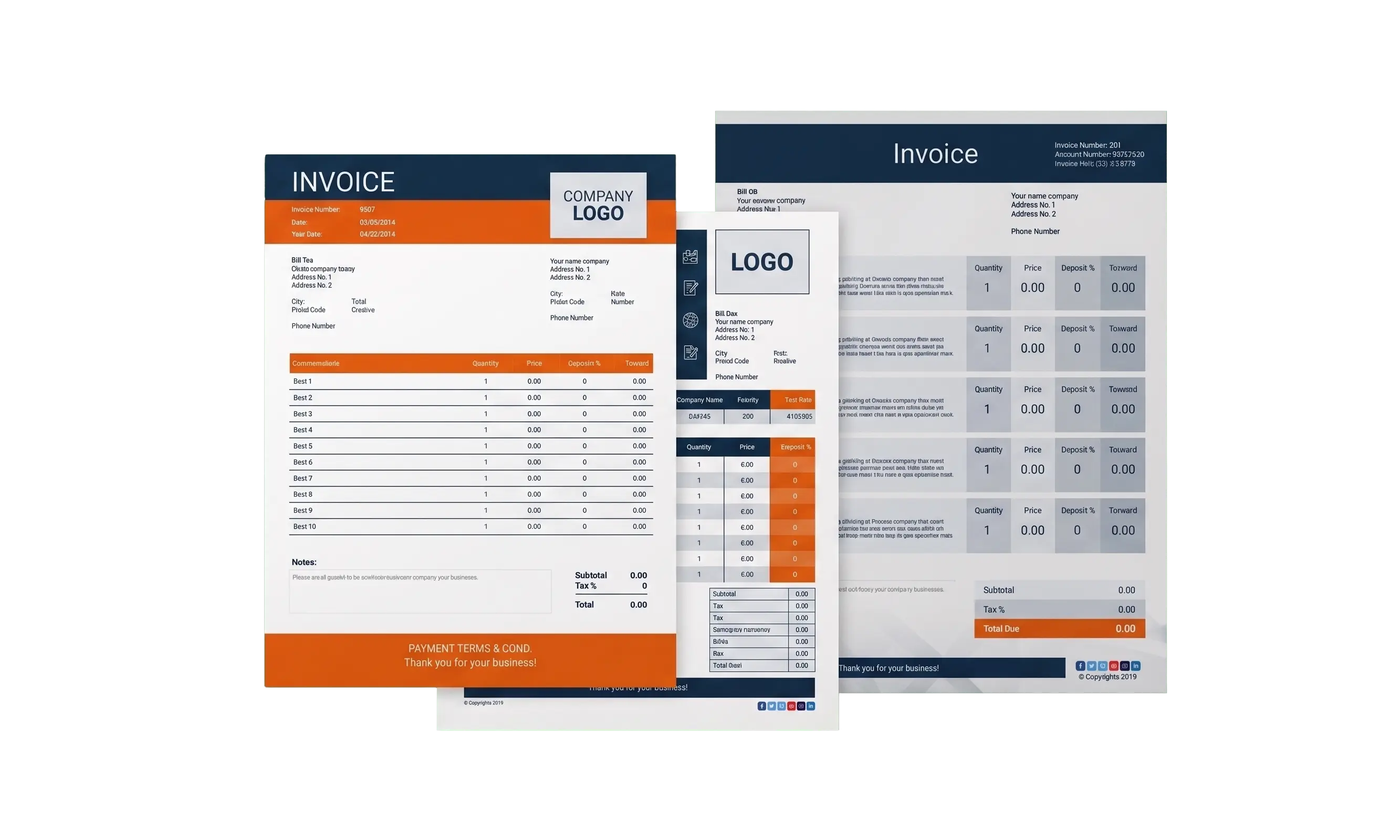
Browse by Trade
Select your trade to create an invoice online. Use the generator, choose a design, and download your completed invoice as a PDF.

Roofing Invoice
Create invoices for roof installations, repairs, and replacements.

Plumbing Invoice
Bill for plumbing installations, leak repairs, and drain cleaning.

Electrical Invoice
Create invoices for wiring, fixture installations, and electrical repairs.

HVAC Invoice
Bill for heating, cooling, and ventilation installations, repairs, and maintenance.
All Online Invoice Templates
Choose a design, customize your invoice online, and download the completed invoice as a print-ready PDF.
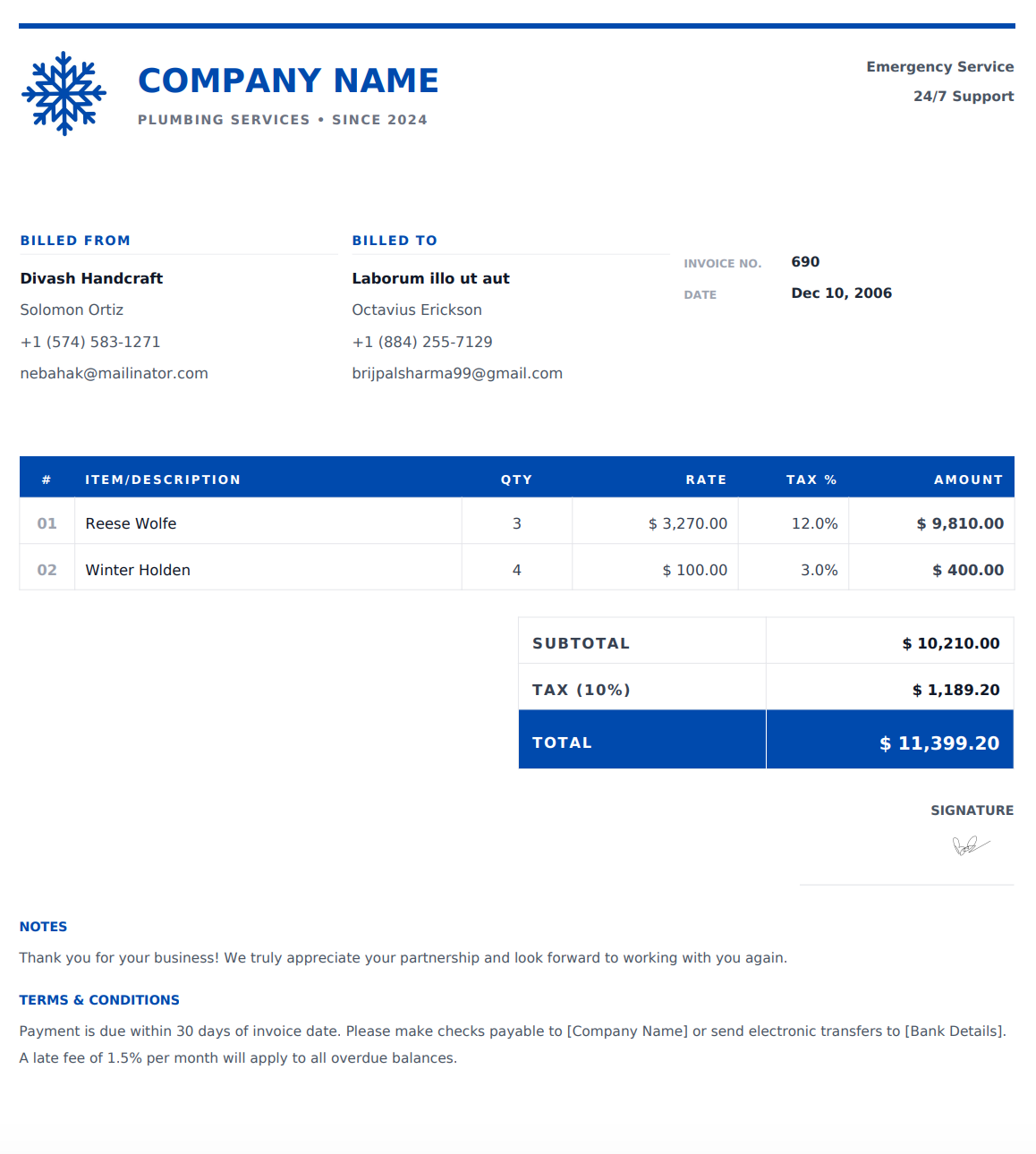
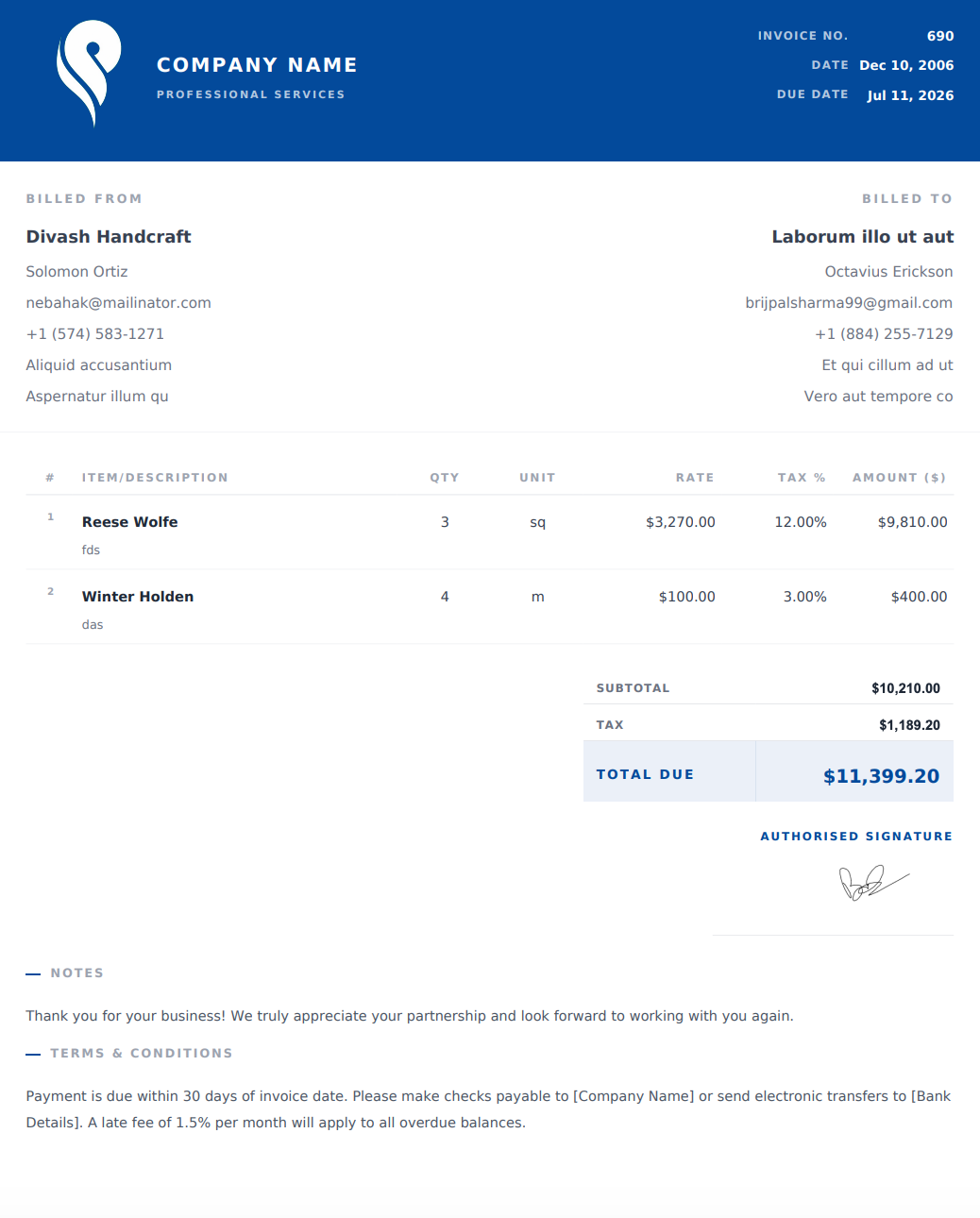
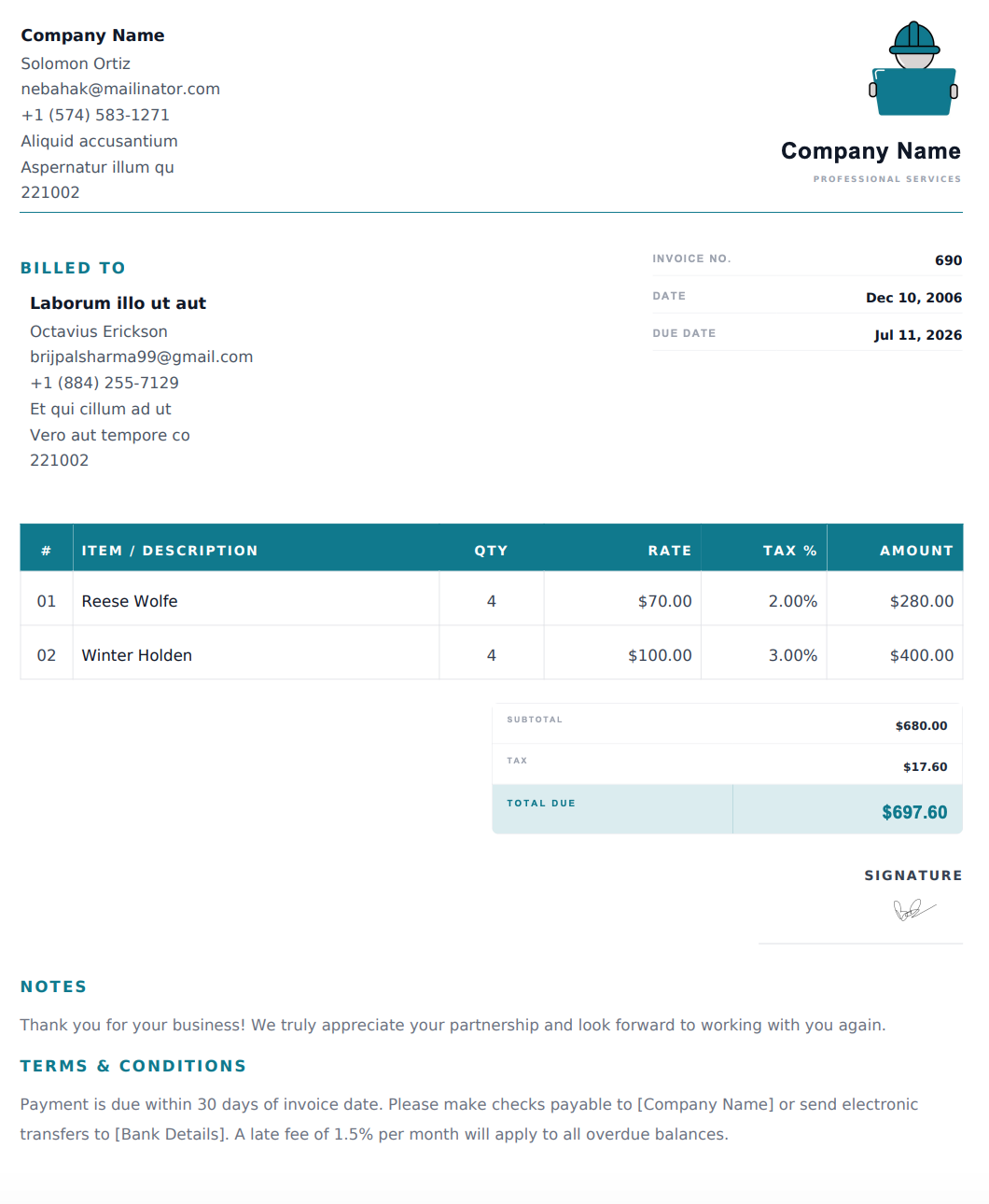
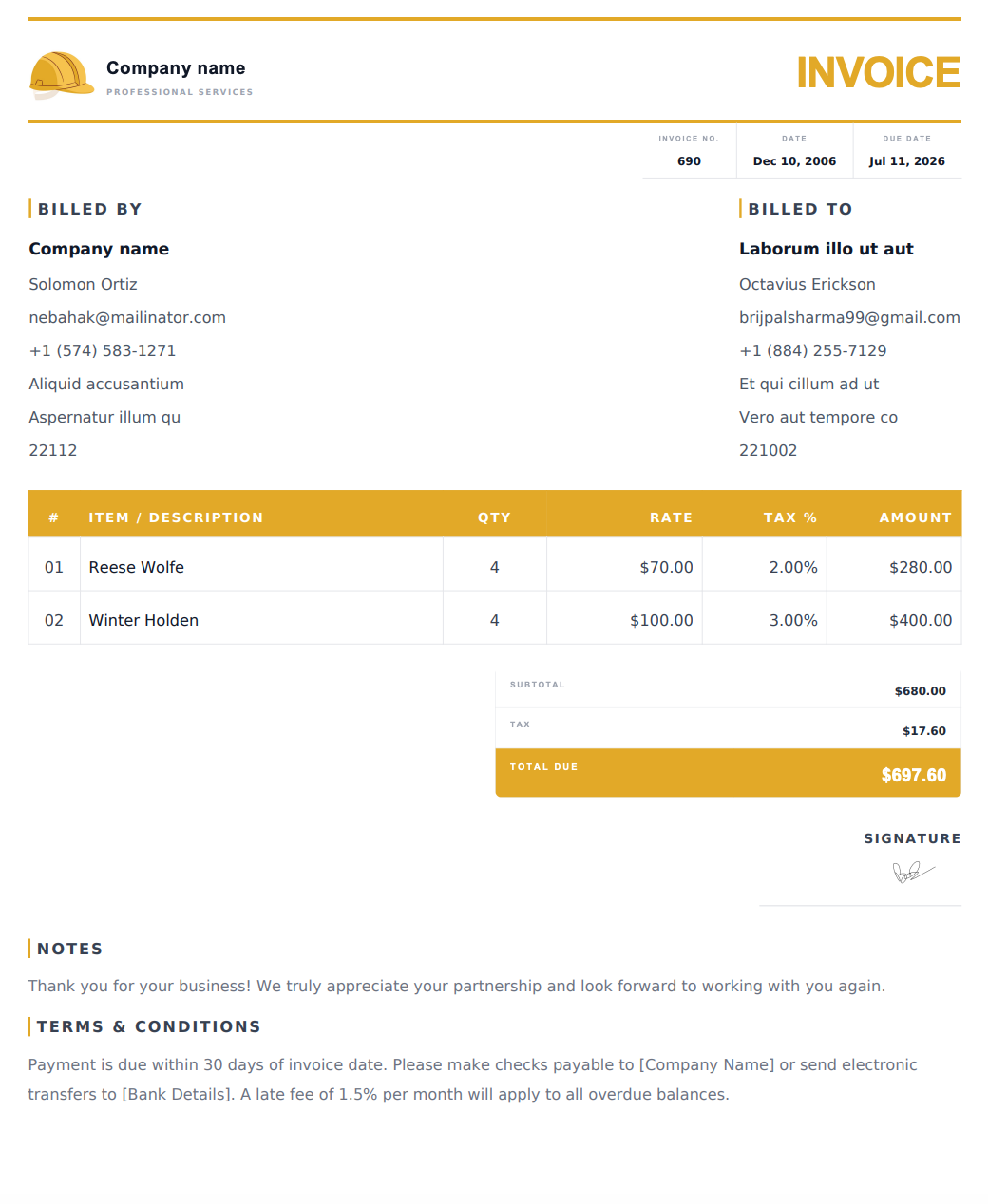
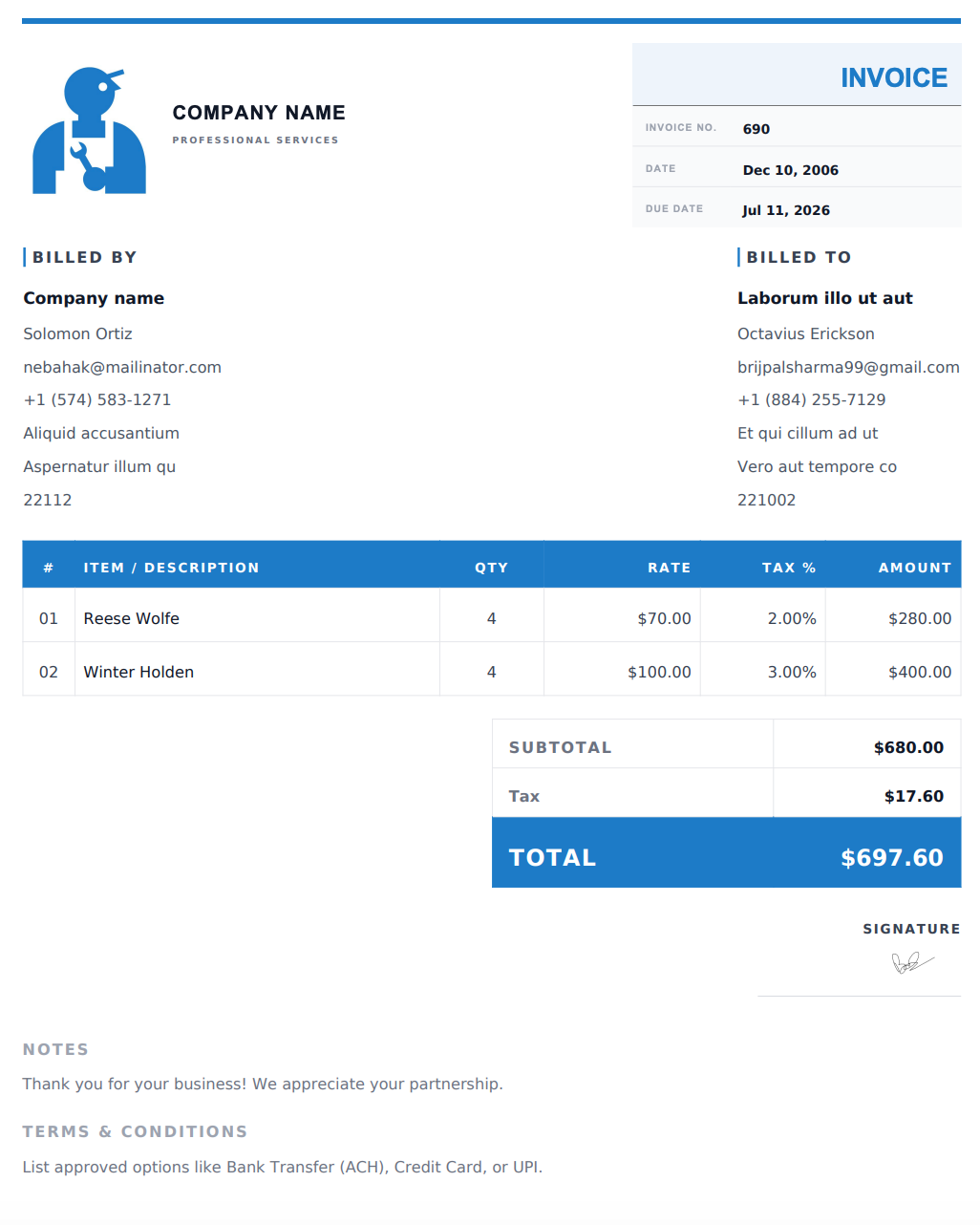
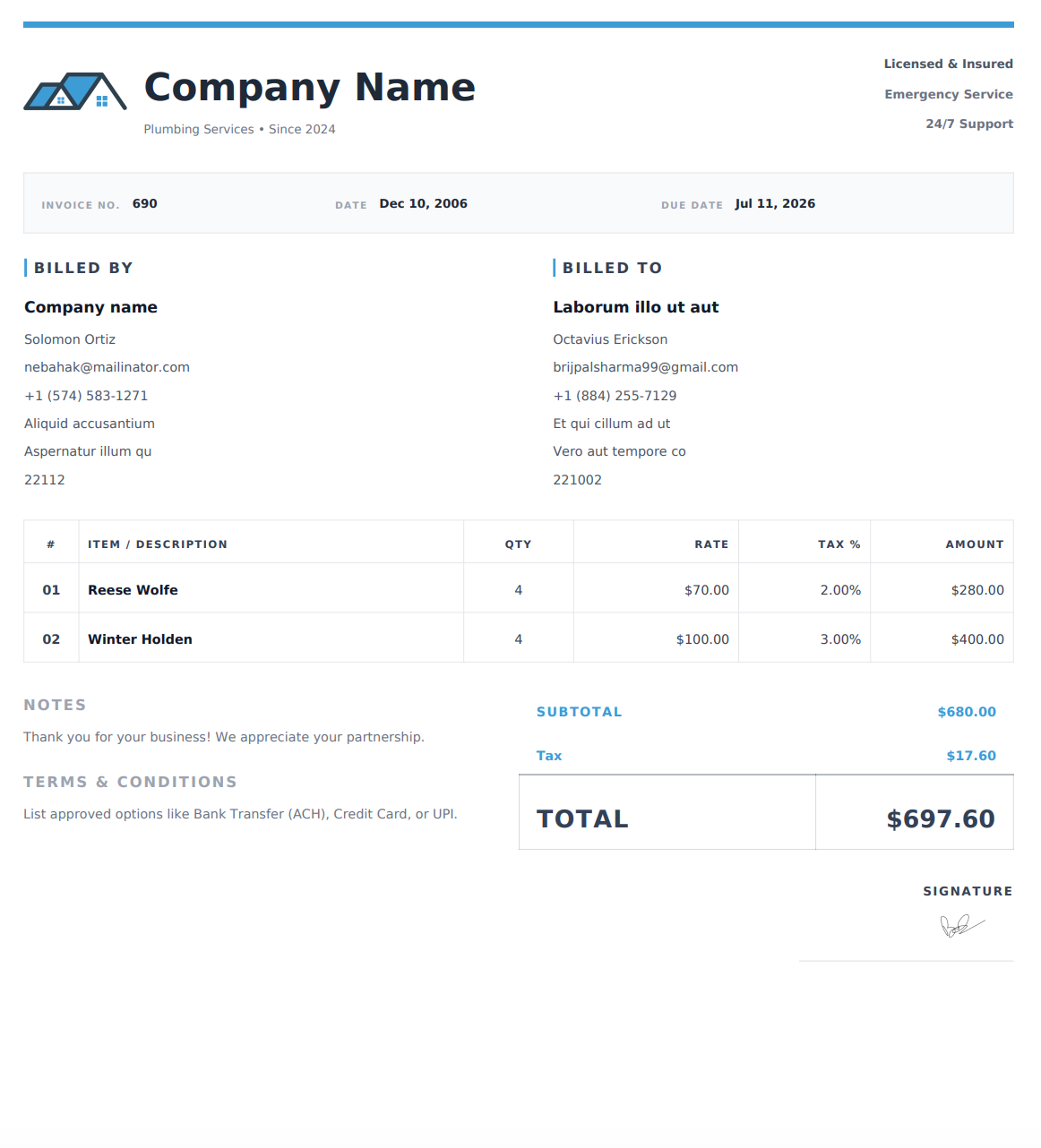
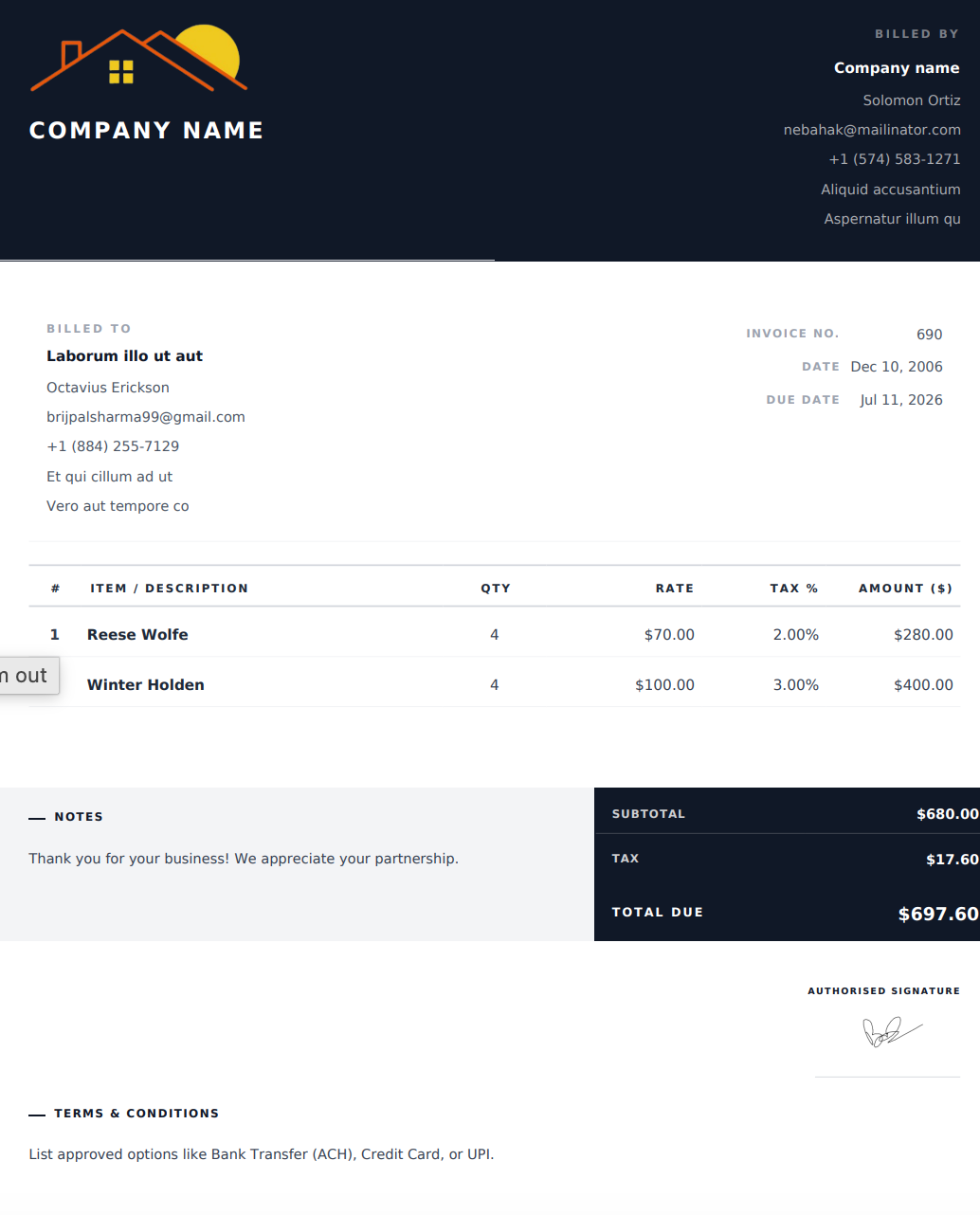
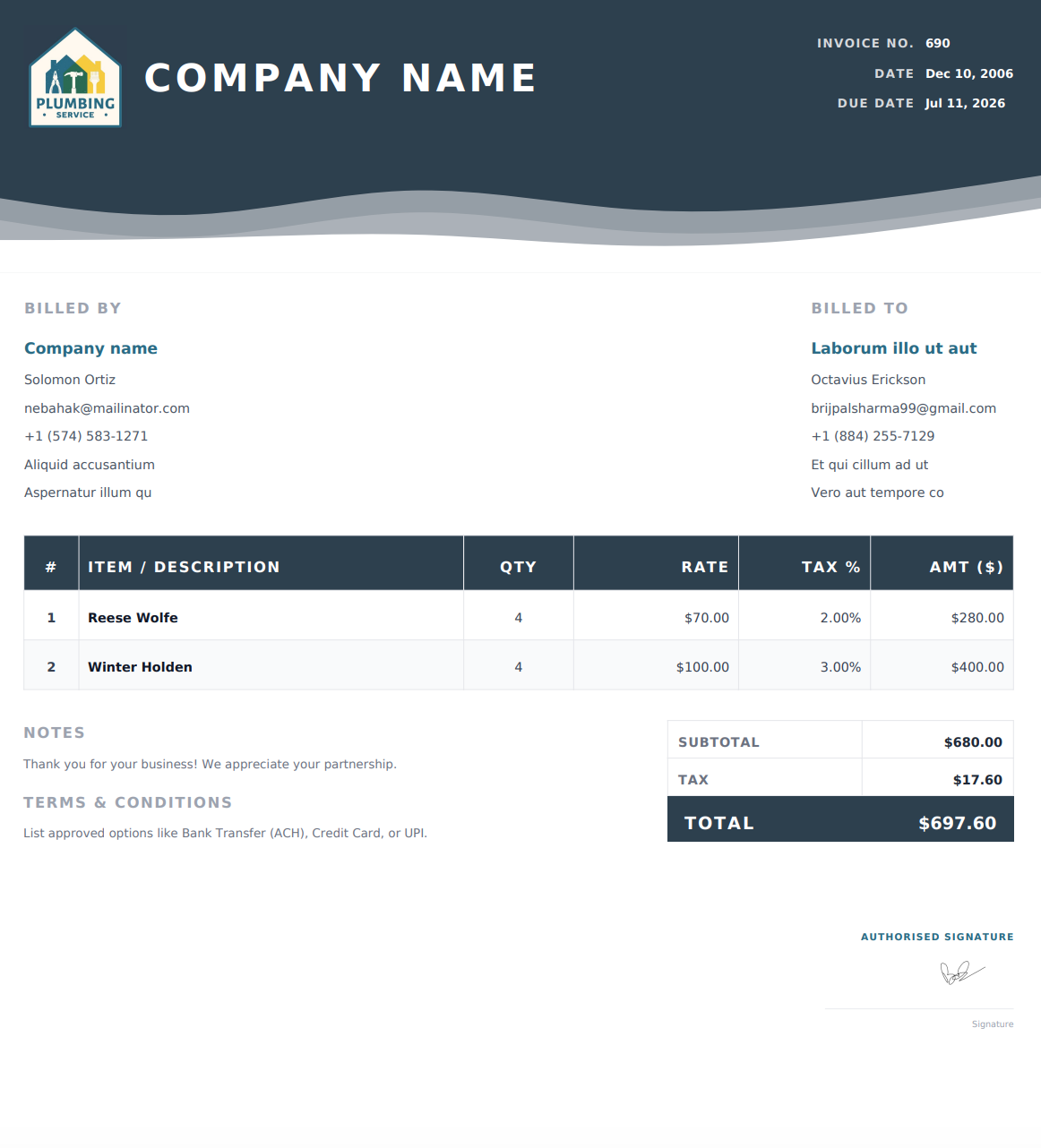
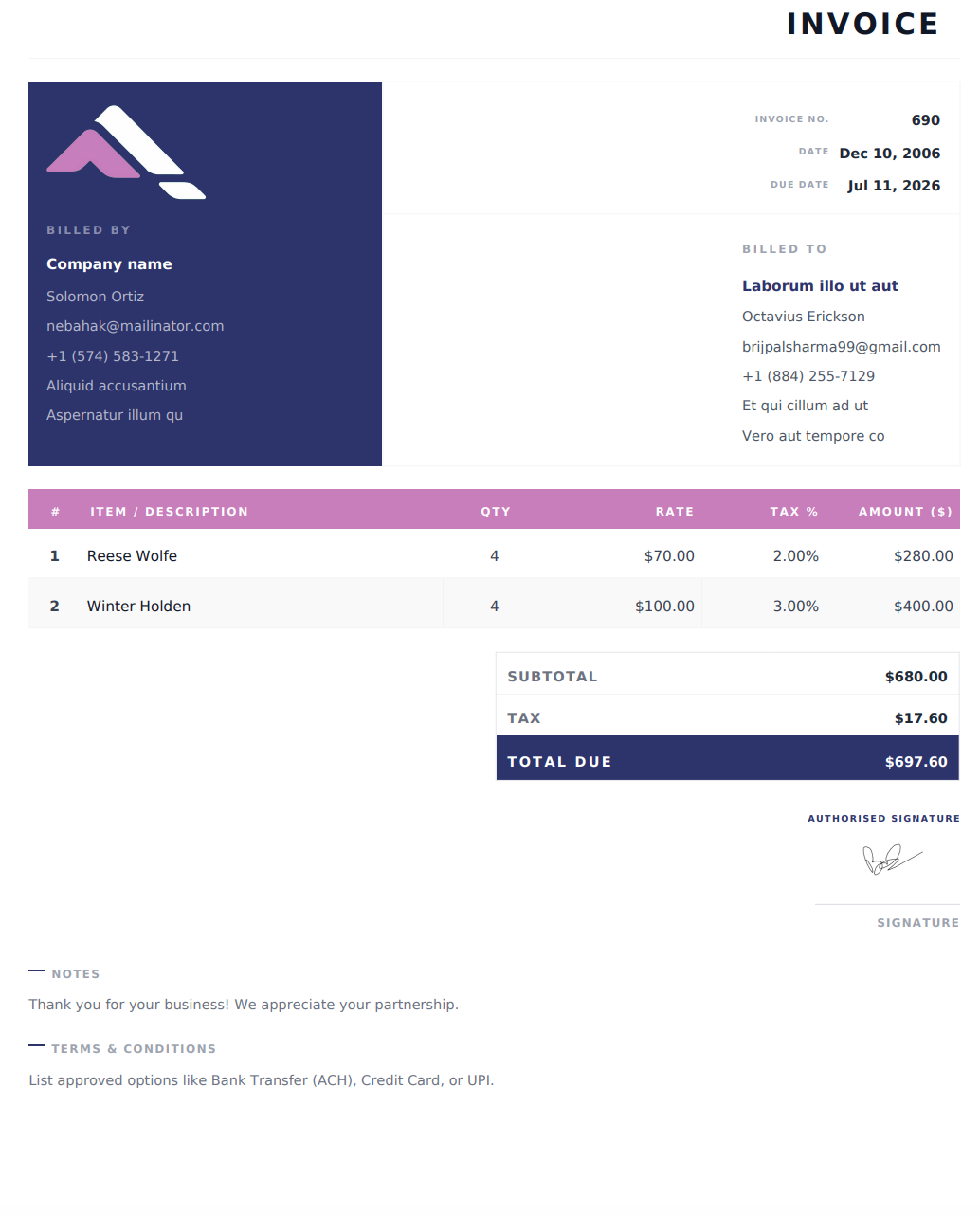
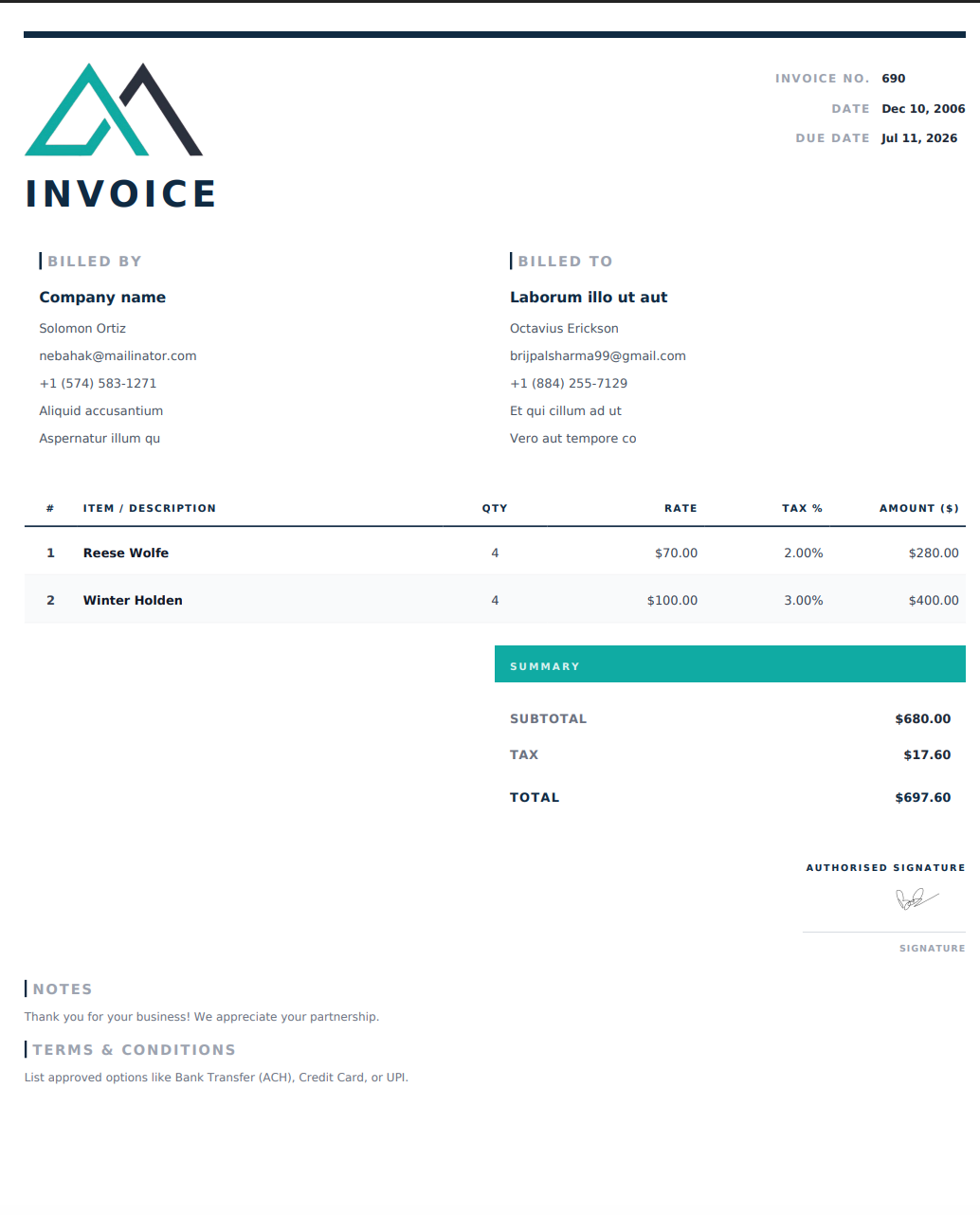
Why Contractors Choose Our Online Invoice Templates
Create clear, professional invoices for your contractor business. Choose a design, enter your job details online, and download a PDF that’s ready to share with your client.
Switch Designs Without Re-entering Details
Try different invoice designs while keeping your business details, client information, and line items intact. Choose the layout that works best for your business.
Ready to Download, Share, and Print
Download your completed invoice as a print-ready PDF. Email it to your client or print a copy for your records.
No Watermarks or Added Branding
Your downloaded invoice is free of watermarks, third-party logos, and promotional footers, keeping the focus on your business.
Made for Contractor Billing
Itemize labor and materials, apply taxes and discounts, and include notes and payment terms. Create invoices for roofing, plumbing, electrical, HVAC, and other contractor services.
How to Create an Invoice from an Online Template
1. Choose Your Trade or Design
Browse the invoice designs or select your trade to find relevant options. Click “Use This Template” to open a design in the online generator.
2. Add Your Business and Job Details
Enter your business and client information, itemize labor and materials, and add applicable taxes, payment terms, and notes.
3. Preview and Download Your PDF
Check your details and totals, then download your completed invoice as a PDF. It’s ready to email to your client or print for your records.
Frequently Asked Questions
Are these online invoice templates free to use?
Yes. You can choose a template, customize your invoice online, and download the completed PDF for free. No account or payment is required.
Can I customize my invoice?
Yes. You can add your company logo, business and client details, labor and materials, taxes, payment terms, notes, and a signature. You can also change the invoice colors before downloading your PDF.
Which invoice template should I choose?
Start with your trade, such as roofing, plumbing, electrical, or HVAC, to find relevant invoice options. Then choose a design that presents your job details clearly and suits your business.
Are these downloadable Word or Excel templates?
No. These templates are designed for use in our online invoice generator. Select a design, enter your details on the website, and download your completed invoice as a PDF.
Can I print or email my completed invoice?
Yes. Download your invoice as a PDF, then print it for your records or attach it to an email for your client.
Can I make changes after downloading my invoice?
Downloading a PDF does not update it automatically when you make changes online. If your invoice details are still available in the generator, edit them and download a new PDF. Otherwise, you’ll need to enter them again.
Can I use these templates for different contractor trades?
Yes. The templates can be customized for roofing, plumbing, electrical, HVAC, landscaping, painting, cleaning, construction, handyman work, and other contractor services.