Free HVAC Quote Generator & Online Templates
Create HVAC quotes online with itemized equipment, labor, and materials. Choose a template, customize your pricing, and download a free, print-ready PDF.
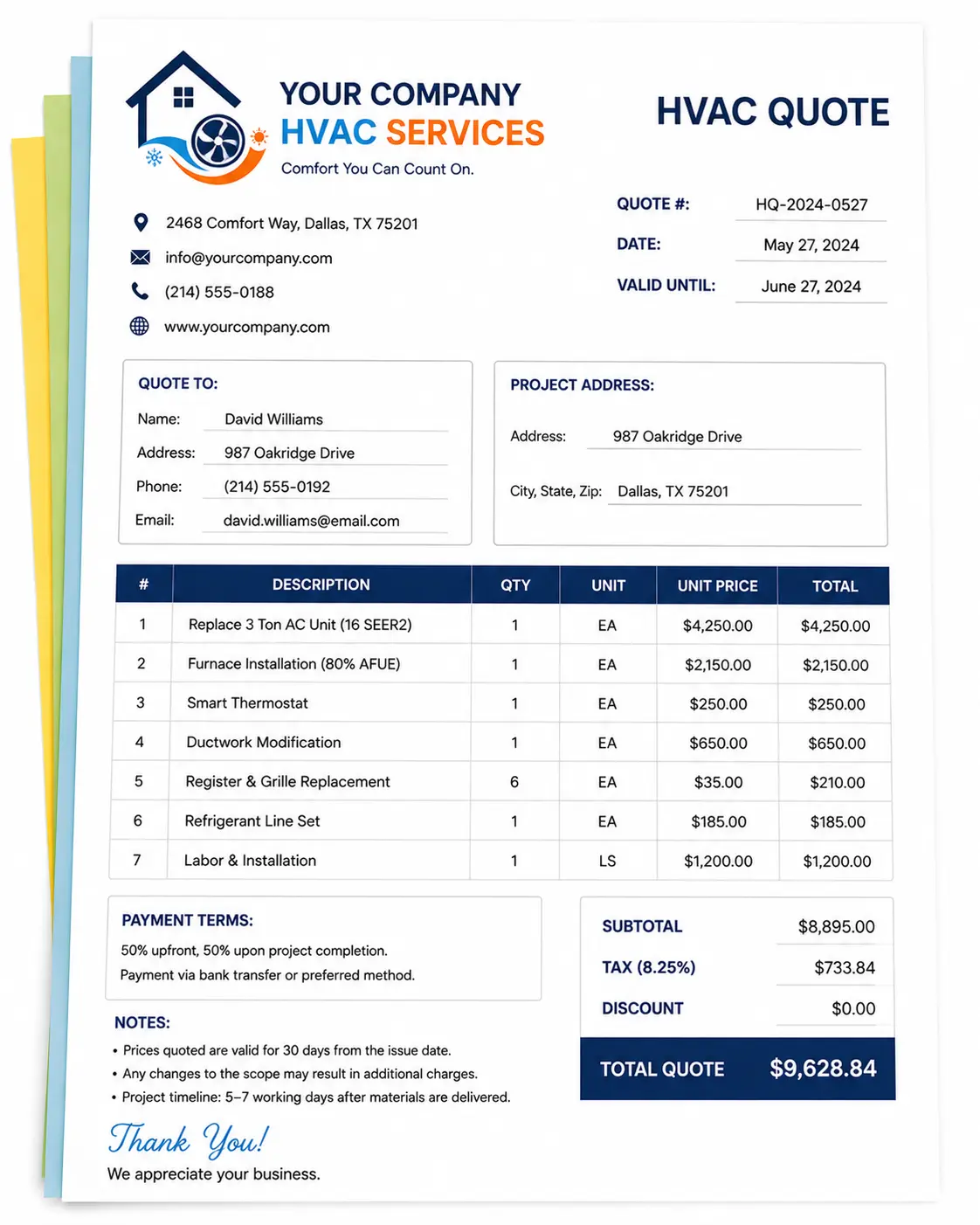
Quote Preview
Signature
Choose an Online HVAC Quote Template
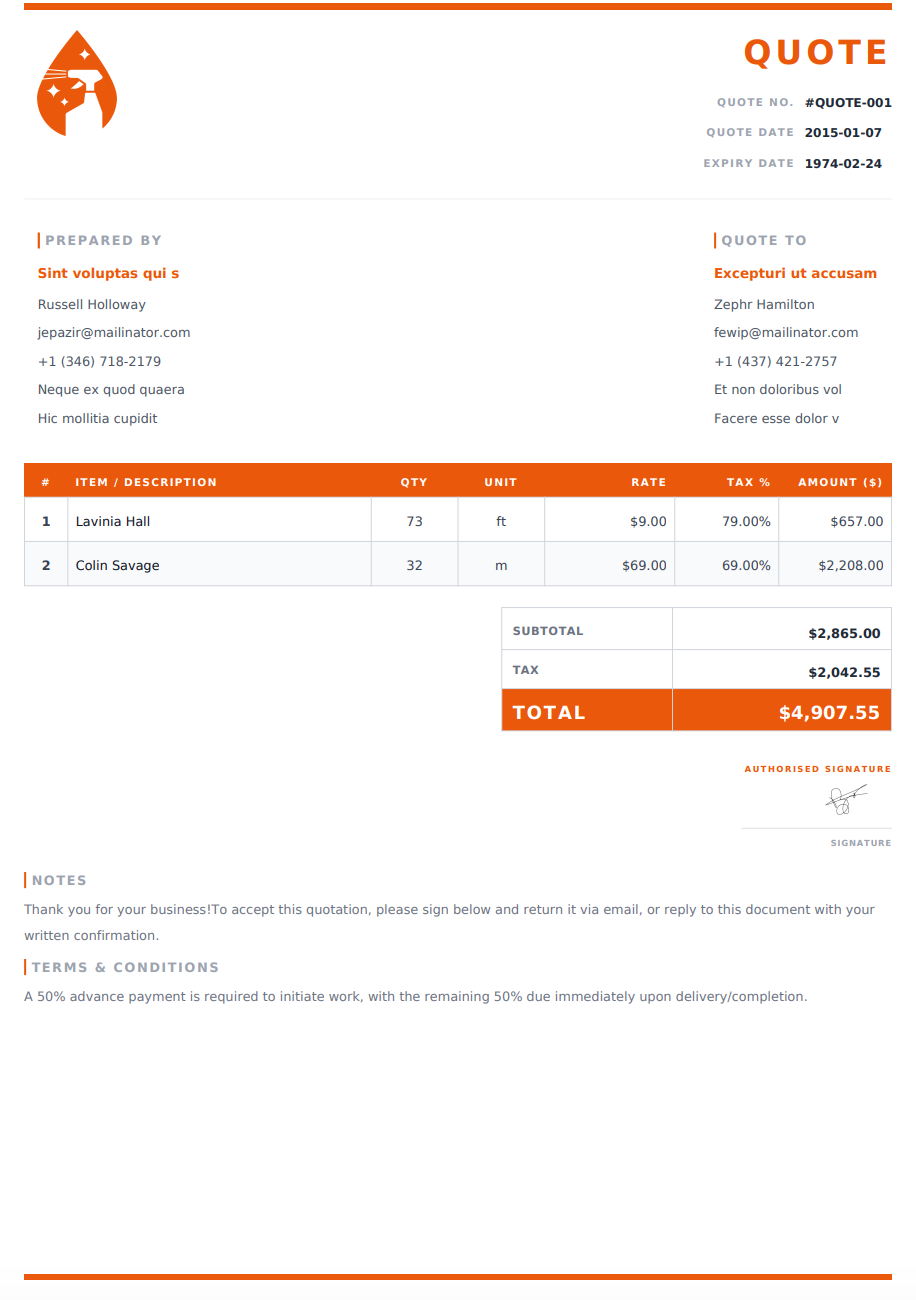
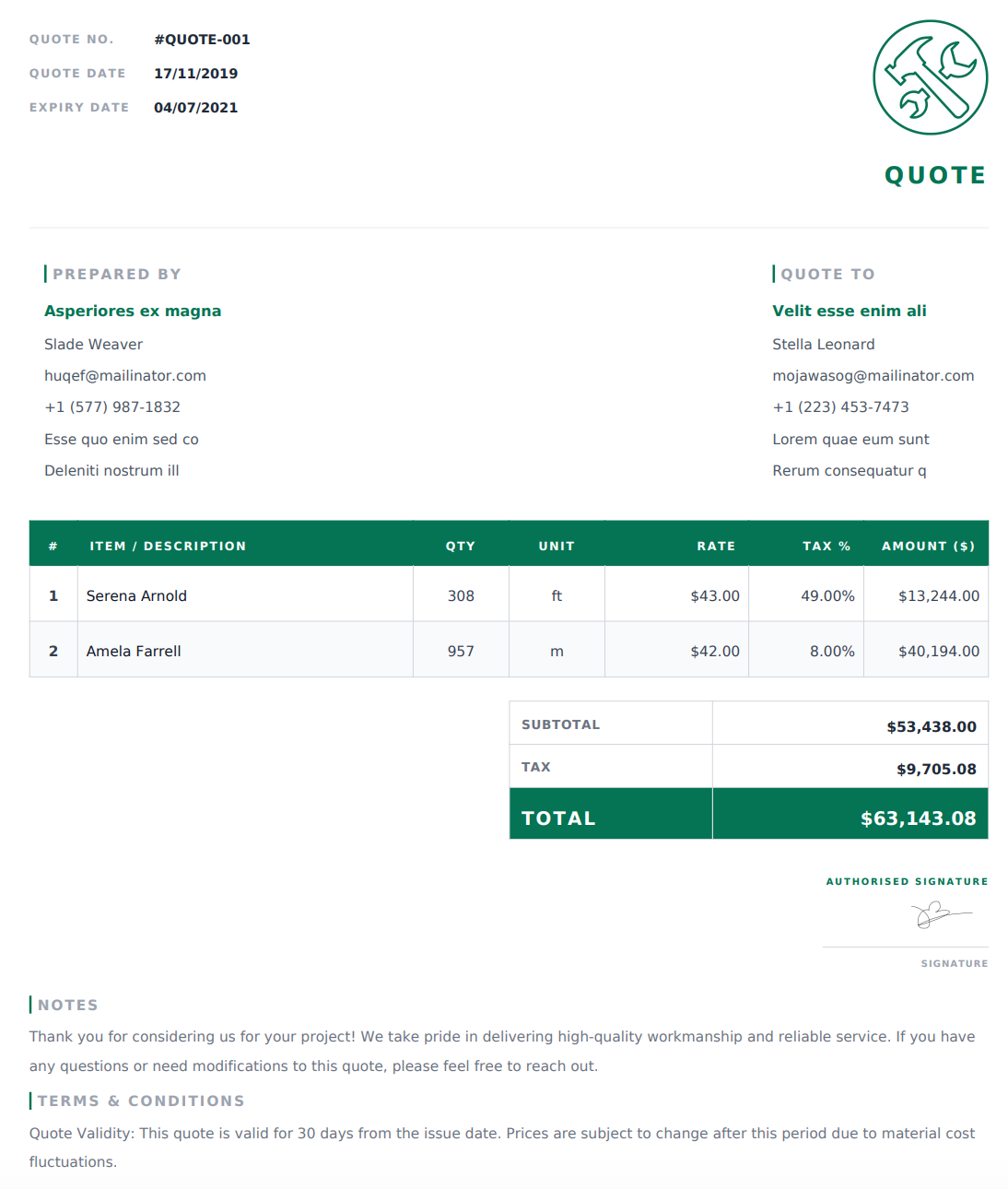
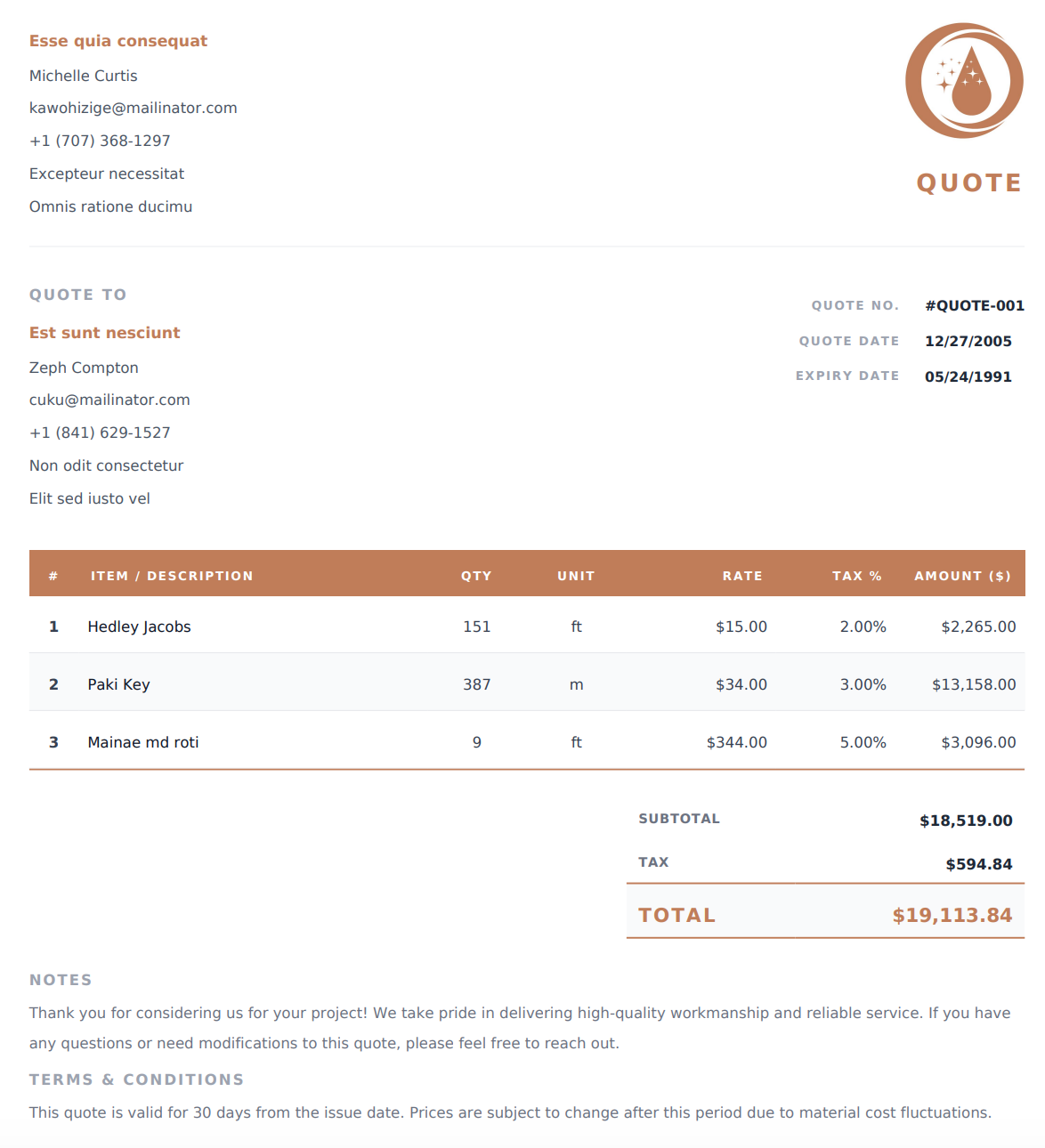
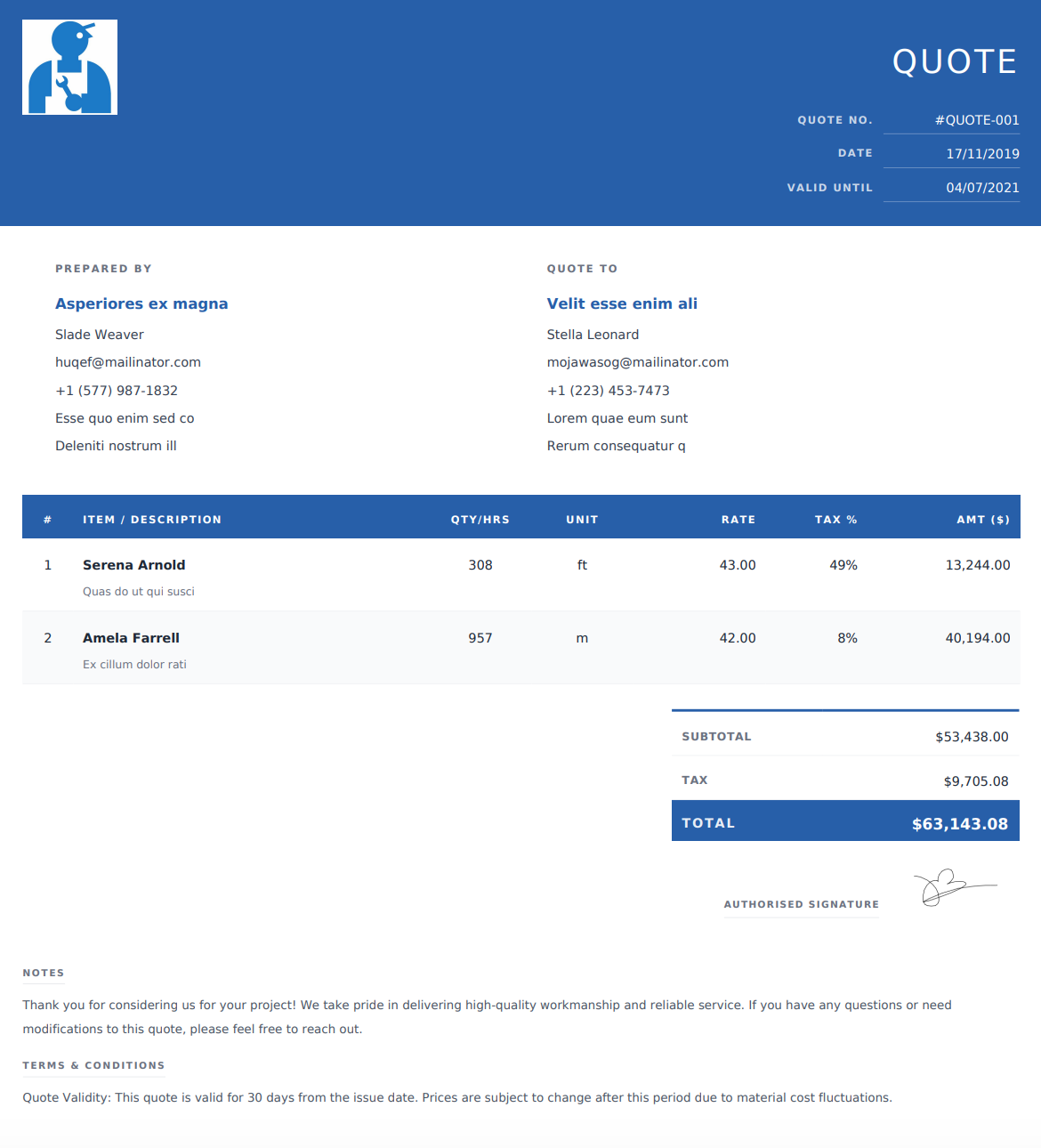
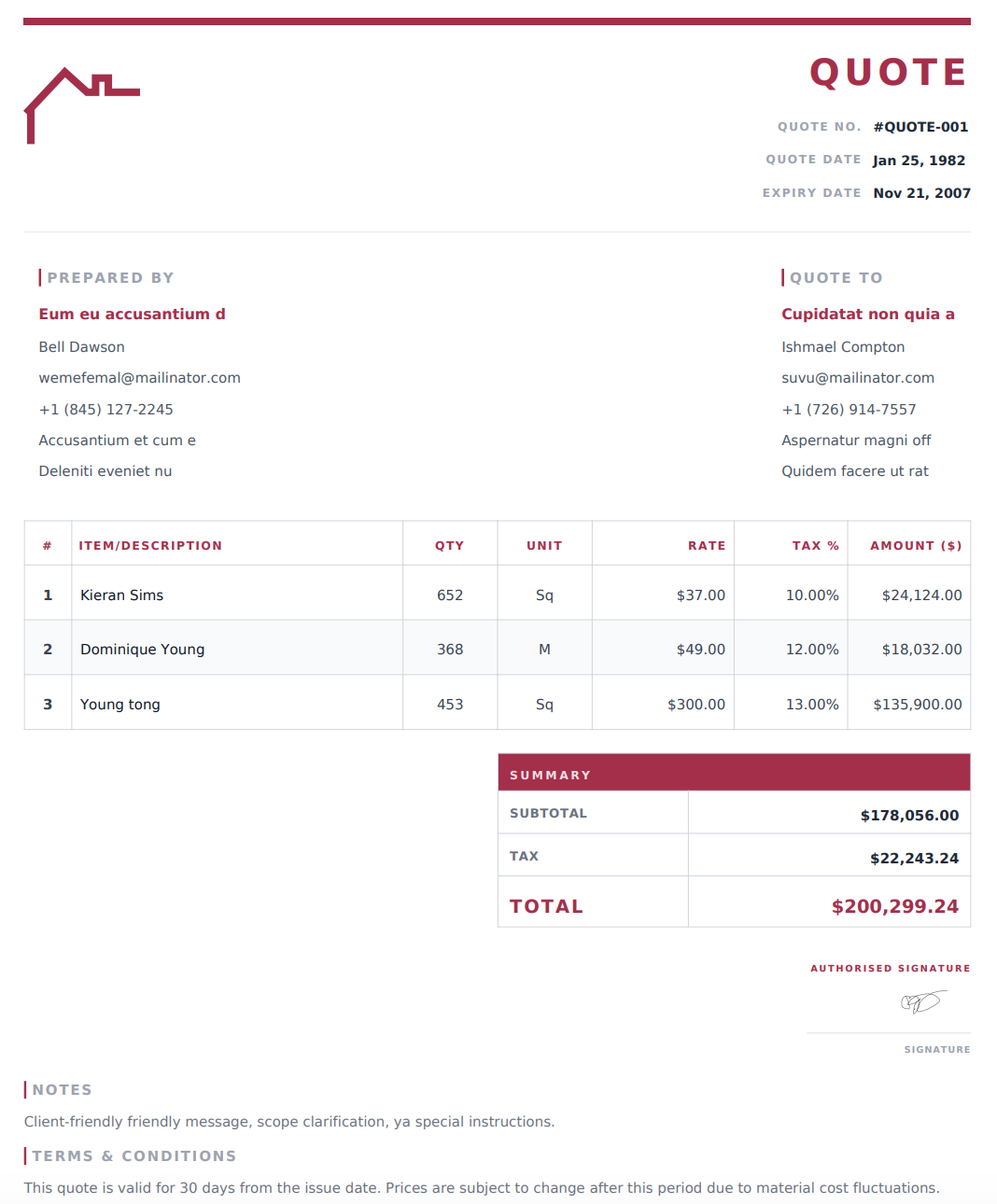
Select a design below to customize your HVAC Quote Generator online, then download your completed quote as a PDF.
Build Your HVAC Quote from Equipment to Installation
Whether you are proposing an air conditioner replacement, a heating repair, or scheduled maintenance, your quote should explain the work and its price. Use the online generator to put the details together before sharing your proposal.
1. Enter the Customer and Job Location
Add your HVAC business name and contact information, followed by the customer’s name, billing details, and service address. Include a quote reference and issue date so both parties can identify the proposal when discussing changes.
2. Define the System and Services You’re Quoting
Describe the equipment involved and the work you propose to carry out. For a replacement, identify the new system and the existing equipment being removed. For repairs or maintenance, describe the components or service tasks covered by the price.
3. Price Equipment, Components, and Installation
Add separate entries for equipment, materials, and labor where useful. Enter quantities and rates, using the editable item column for units, hours, duct lengths, or other relevant measurements. Include applicable taxes and discounts; the generator calculates totals from your entries.
4. Check Your Proposal and Download the PDF
Add payment terms, quote validity, and relevant project notes. Review equipment descriptions, quantities, rates, and totals, then download the completed quote as a PDF to email or print.
Give Customers a Clear Picture of Your HVAC Proposal
A customer should be able to understand which system or service you are proposing without having to interpret a list of product codes. Combine clear equipment descriptions with a defined scope and an itemized price.
Identify the Equipment You Will Supply
Include the proposed equipment type, brand, model, and relevant specifications where available. If the proposal covers multiple units, identify their locations or the areas they will serve.
Make it clear which components are new and which existing components you intend to retain. For example, explain whether a replacement includes a new thermostat or uses the customer’s existing controls.
Explain the Installation or Service Scope
Describe the work included beyond supplying the equipment. Depending on the project, this may cover installation, duct connections, controls, testing, commissioning, or site cleanup.
For maintenance quotes, list the equipment covered and the tasks included. Avoid leaving the customer to assume that every repair or replacement part is covered by a service visit.
Account for Supporting Materials
Include relevant ductwork, vents, registers, filters, fittings, refrigerant lines, and other installation materials. Use descriptions and quantities that help the customer connect each charge to the proposed work.
If a quantity or cost is provisional, label it clearly and explain what needs to be confirmed before the price is finalized.
Clarify Removal and Related Work
State whether removing and disposing of old equipment is included. Explain whether related work, such as electrical alterations, structural changes, or permit-related costs, is included in your price or handled separately.
This helps the customer understand the complete scope when comparing proposals.
Set Out Payment Terms and Quote Validity
Show the total quoted price and any proposed deposit or milestone payments. Include a clear expiry date and note scheduling assumptions, such as equipment availability or site access.
Reference any relevant manufacturer or workmanship warranty information, keeping the wording consistent with the coverage you actually provide.
Equipment and Services to Itemize in Your Quote
Choose line items that match the project rather than using a single description such as “HVAC installation.”
Quote Item | Useful Details |
|---|---|
Air conditioning equipment | Proposed model, quantity, and equipment price |
Furnace or heat pump | Equipment description and associated components |
Installation labor | Defined installation scope and pricing basis |
Ductwork | Location, material, quantity, and proposed work |
Thermostats and controls | Model, quantity, and installation charge |
Vents, registers, and filters | Type, size, quantity, and rate |
Repair components | Parts proposed for replacement and related labor |
Testing and commissioning | Services included in the project |
Equipment removal | Removal and disposal arrangements |
Maintenance services | Equipment covered, tasks, and number of visits |
For optional upgrades, explain whether the additional price is included in the displayed total. When comparing different systems, separate quote versions can make each option’s scope and final price easier to understand.
One Online Tool for HVAC Replacements, Repairs, and Service Quotes
Different HVAC jobs need different pricing details. Adjust the descriptions and line items in the generator to match the proposal you are preparing.
Equipment Replacement Quotes
Identify the proposed system, installation work, and removal arrangements. Separate equipment and supporting materials where useful so the customer can see what the replacement includes.
Repair Quotes
Describe the defined repair and the components you propose to replace. If further diagnosis is needed before the full scope can be confirmed, explain that limitation and how additional work would be quoted.
Maintenance Proposals
List the equipment to be serviced, the tasks included, and the number of visits covered by the price. Specify which repairs, replacement parts, or additional visits would be charged separately.
For each type of job, you can edit the details online, choose a design, and download the completed proposal as a print-ready PDF.
Check These Details Before Sending Your HVAC Proposal
Review the equipment models, quantities, and prices against the products you intend to supply. Confirm availability before stating a proposed installation date.
Check that the scope covers removal, installation, supporting materials, and testing where applicable. Clearly distinguish included work from exclusions and optional upgrades.
Finally, review the customer’s details, payment terms, expiry date, and total. Save a copy of the PDF you send so you can refer to that version during follow-up discussions.
Questions About Creating HVAC Quotes Online
Is the HVAC quote generator free to use?
Yes. You can create an HVAC quote online and download the completed document as a PDF for free.
How do I select an online HVAC quote template?
Choose a design from the template list to use it in the generator. Add your business details, equipment, services, and pricing, then review and download your PDF. You can also begin with the generator’s default design.
Can I include equipment model numbers and specifications?
Yes. Enter model numbers, equipment descriptions, and relevant specifications in the item descriptions or notes. This helps customers identify what your proposal includes.
Can I price equipment and installation separately?
Yes. Add separate line items for equipment, labor, and supporting materials, with the relevant quantities and rates.
Can I use different units in the pricing table?
Yes. Use the editable item column for equipment units, labor hours, duct lengths, vents, or another measurement that fits your work. Label the unit clearly so the pricing is easy to follow.
Can I prepare quotes for recurring maintenance?
Yes. Describe the equipment, service tasks, and number of visits included in your proposed price. Clarify any separately chargeable repairs or parts.
How can I show alternative equipment options?
Prepare a separate quote version for each equipment option, or clearly describe optional upgrades and their additional prices. Make sure the customer can tell which option the displayed total covers.
Are these HVAC templates available as Word or Excel files?
The templates on this page are for the online HVAC quote generator. You customize your quote on the website and download the completed document as a PDF.
Can I email or print the completed quote?
Yes. Download the PDF, then attach it to an email, share it through your preferred messaging app, or print a copy for your customer.
Can I change my quote after downloading it?
If your details are still available in the generator, edit them and download a new PDF. Changes do not update a PDF you have already downloaded. If the details are no longer available, you will need to enter them again.