Free Roofing Quote Generator & Online Templates
Create roofing quotes online for repairs, replacements, and installations. Choose a template, add labor and materials, and download a free PDF.
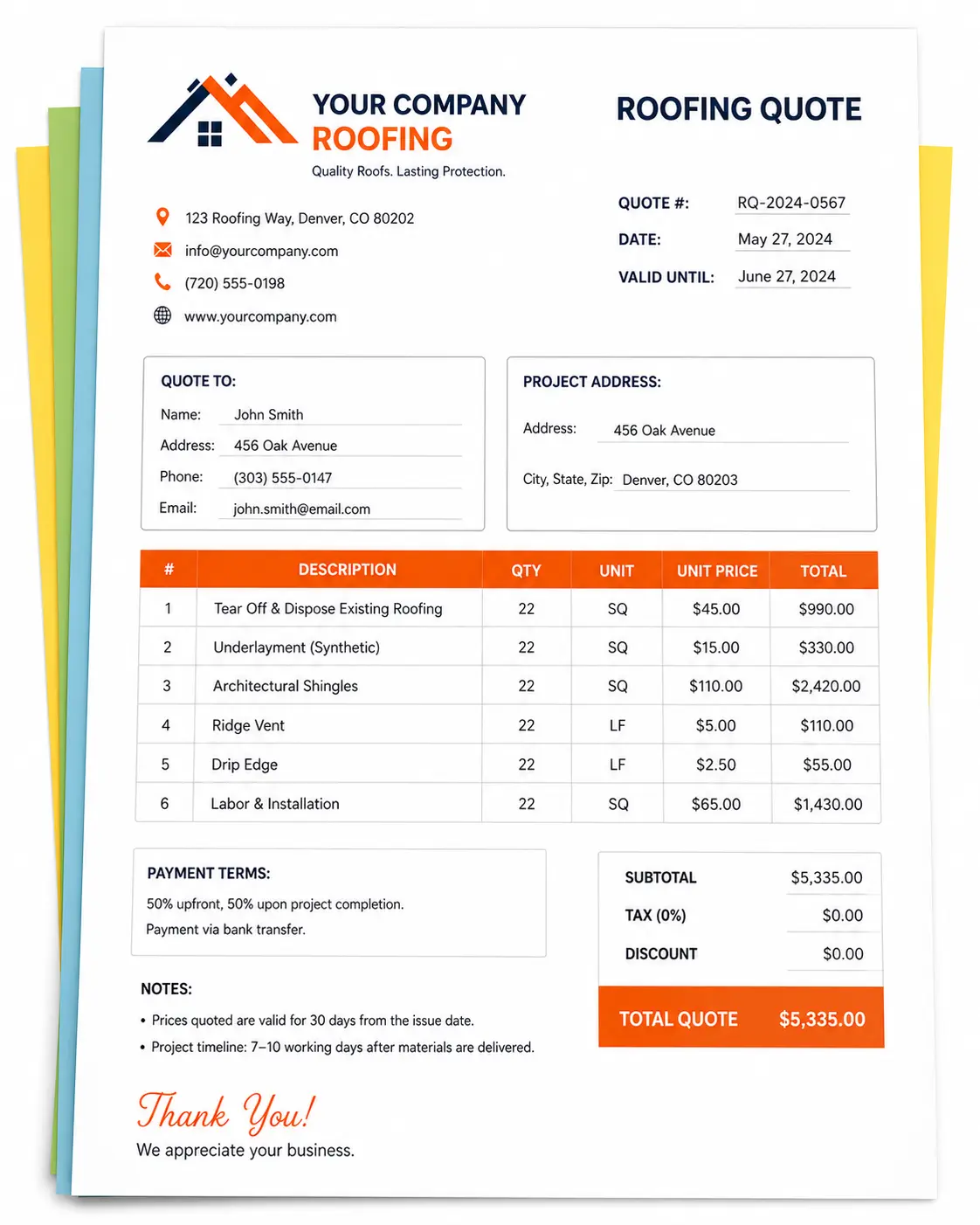
Quote Preview
Signature
Choose an Online Roofing Quote Template
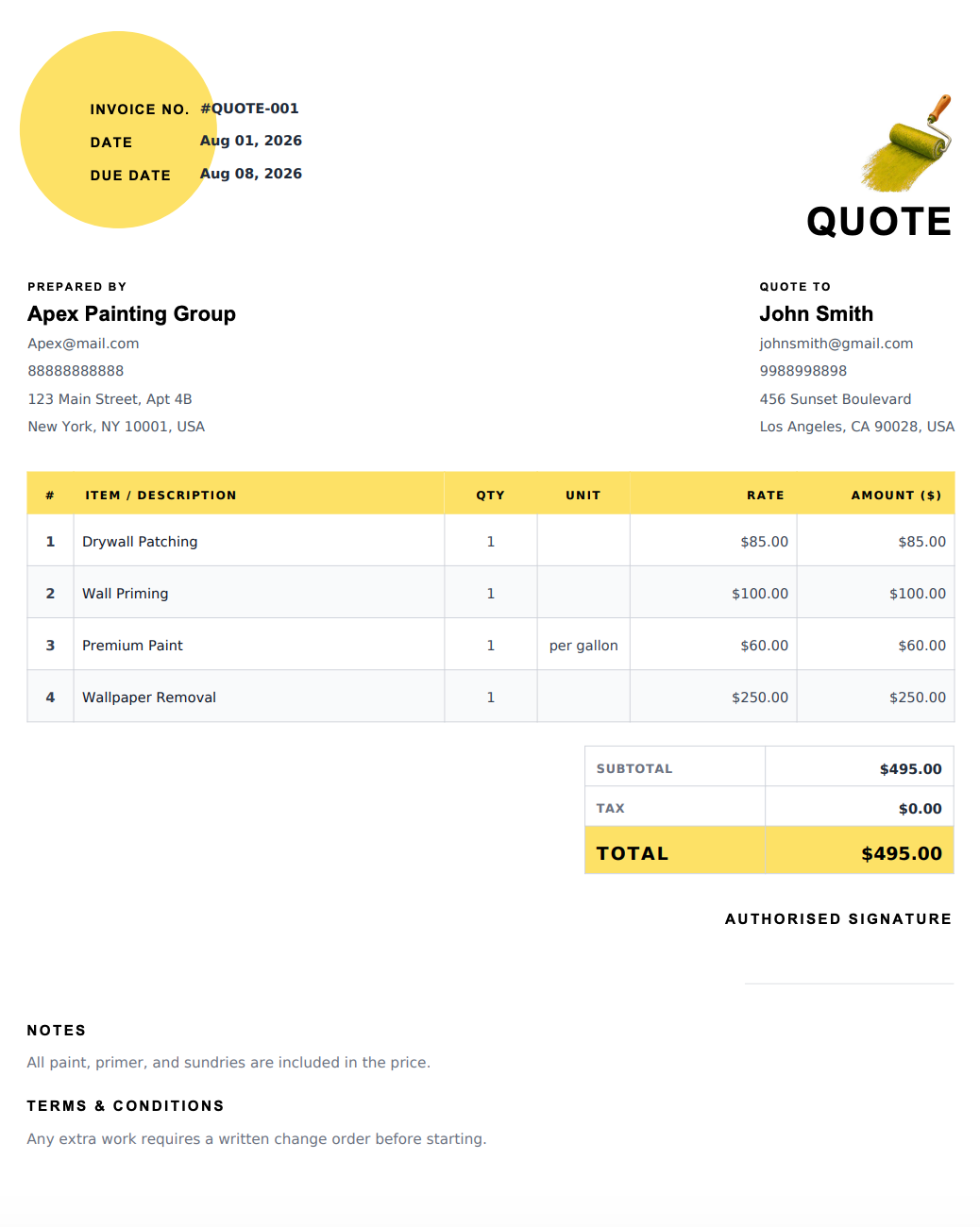
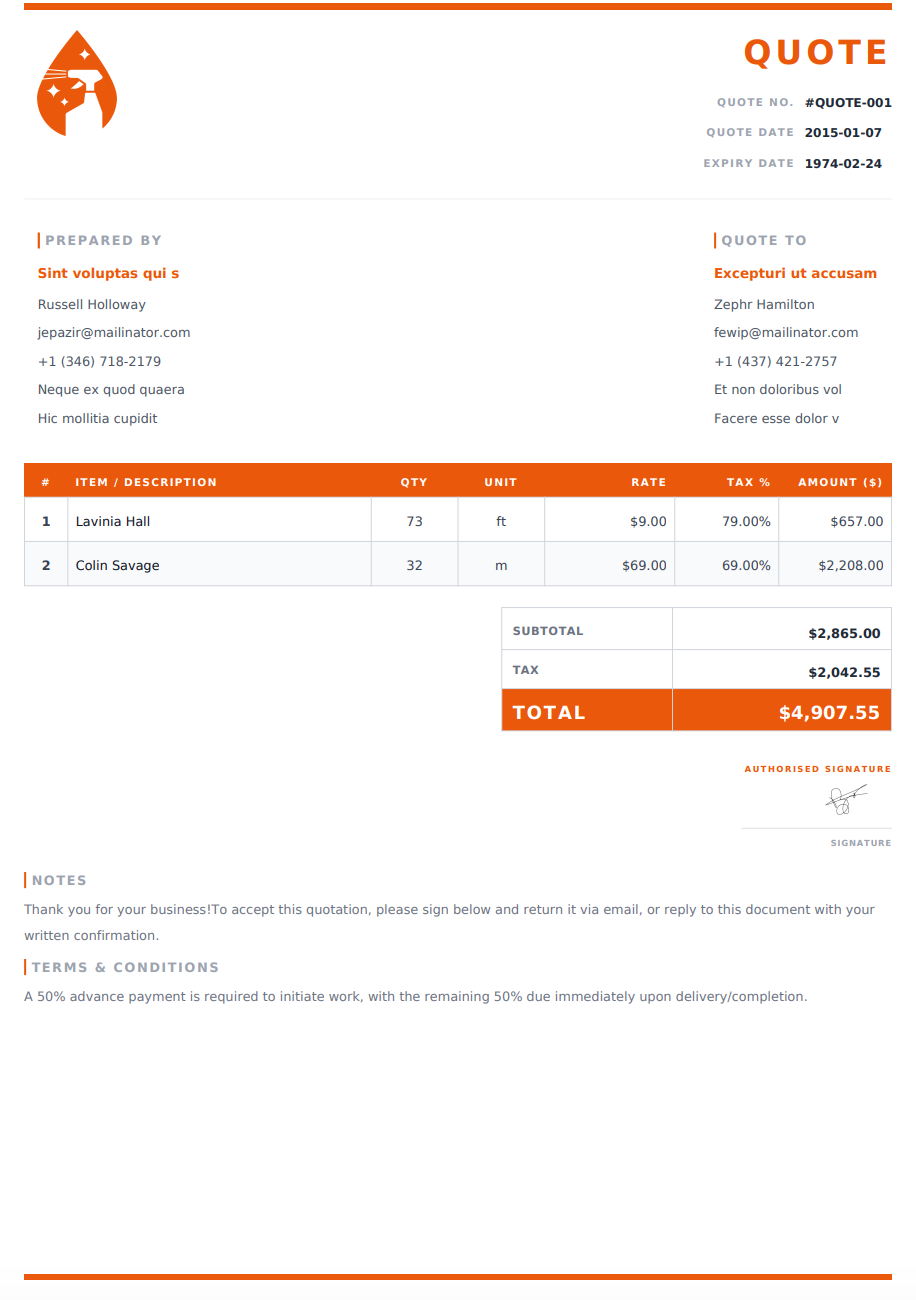
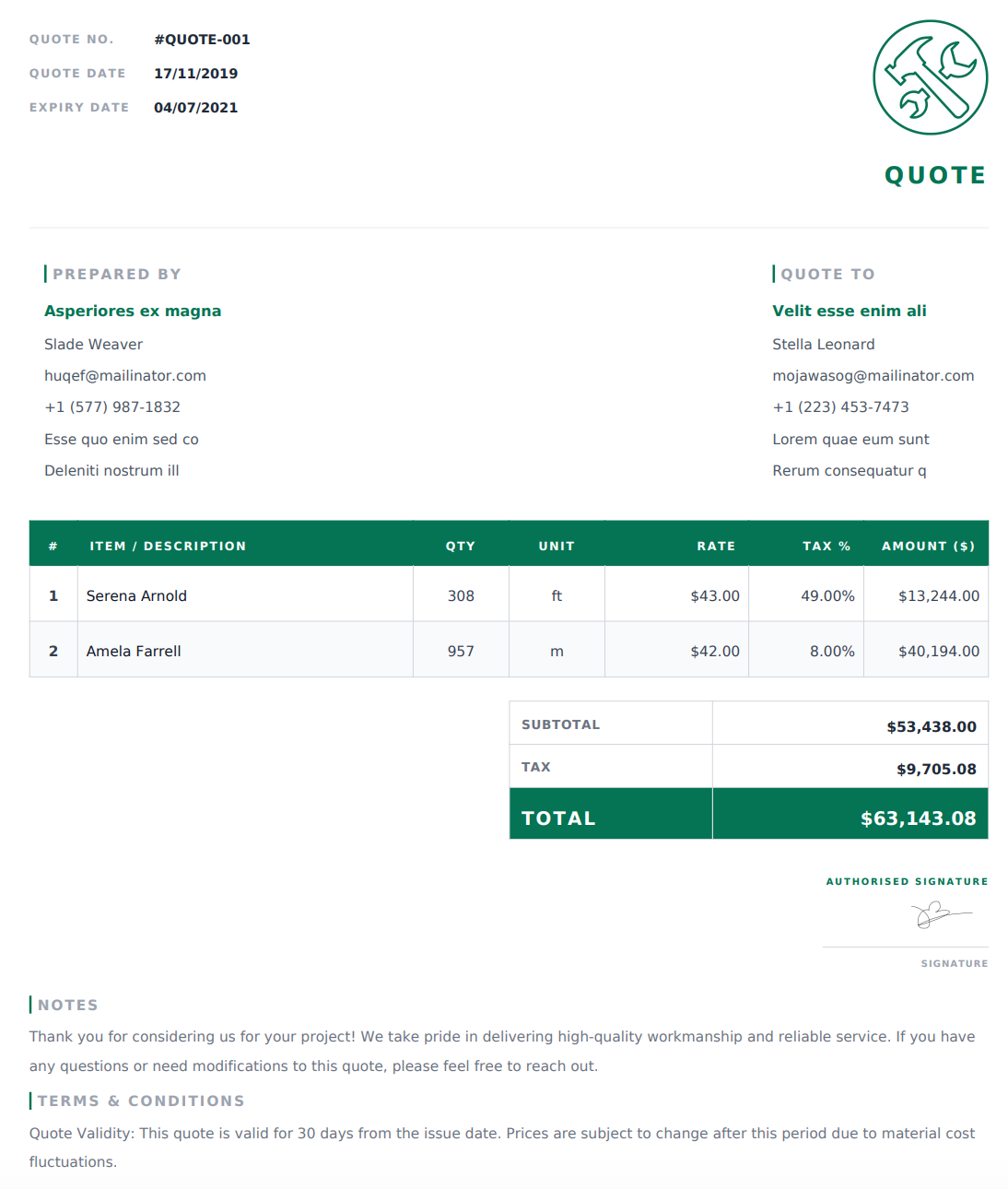
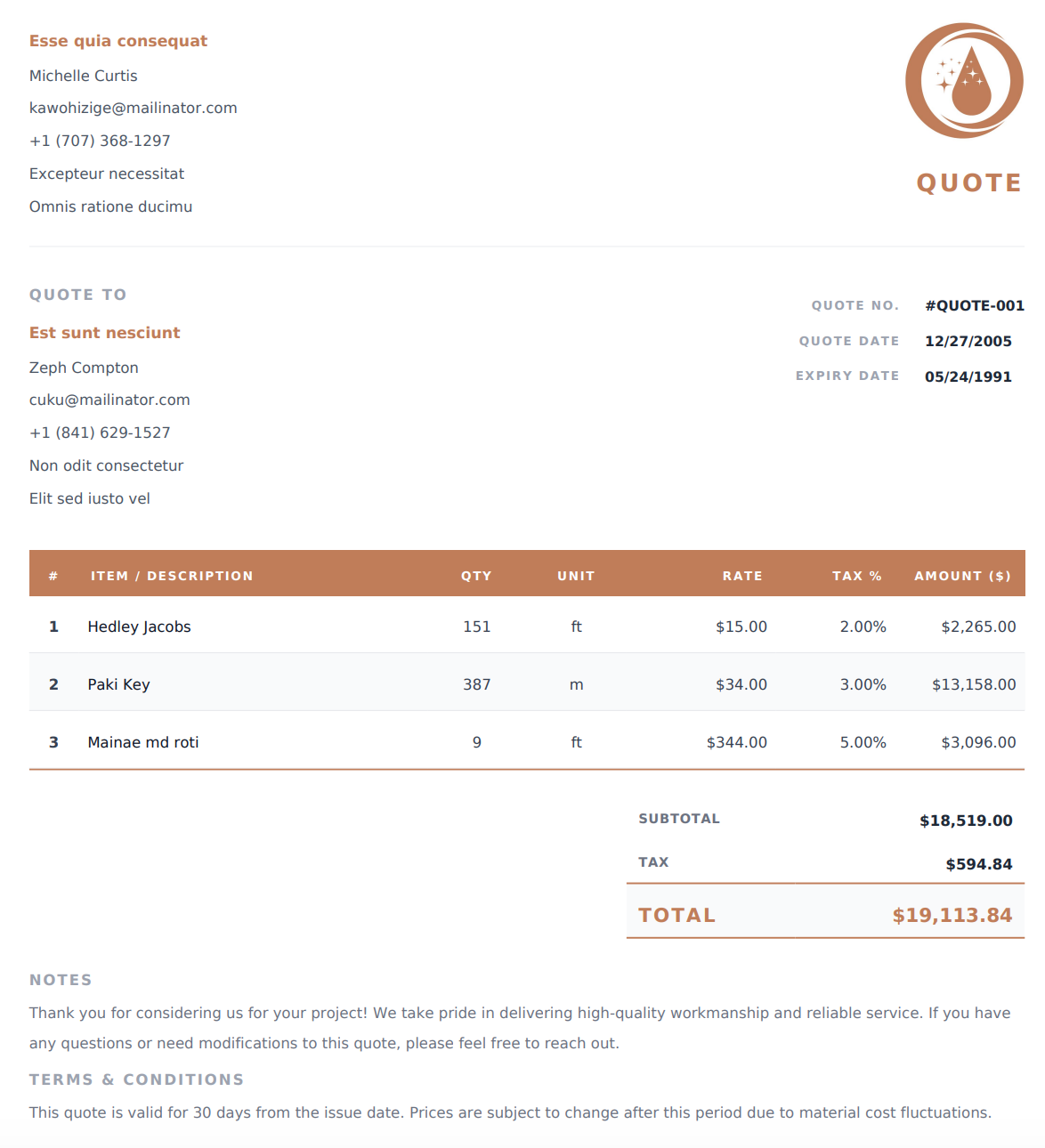
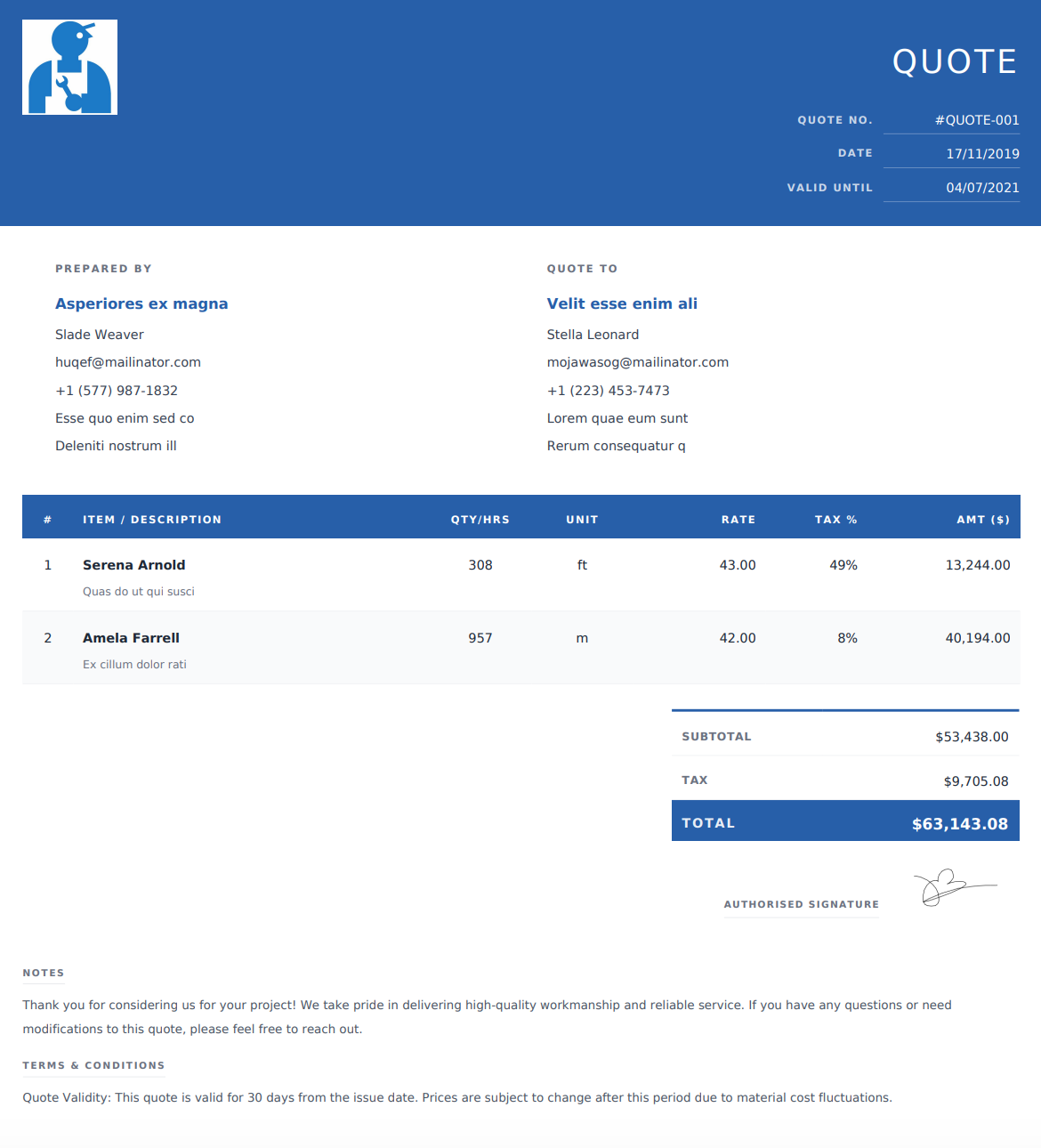
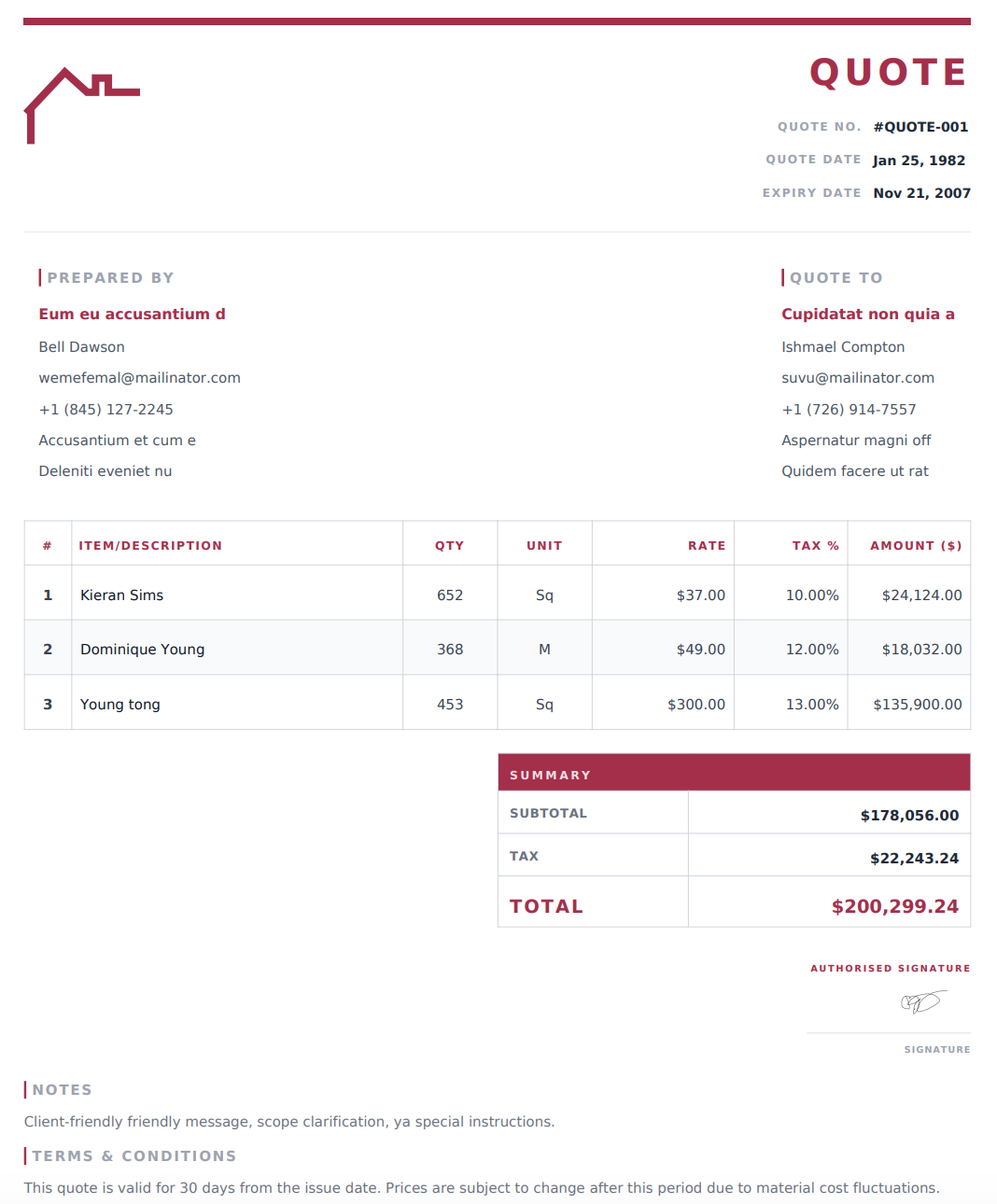
Select a design below to customize your Roofing Quote Generator online, then download your completed quote as a PDF.
How to Create a Roofing Quote Online
1. Add Your Business and Customer Details
Enter your roofing business name and contact information, followed by your customer’s details and the project address. Add a quote reference and issue date for tracking.
2. Describe the Proposed Roofing Work
Outline the repairs, replacement, or installation you are quoting. Explain what the price includes, such as tear-off, decking replacement, underlayment, flashing, ventilation, or cleanup.
3. Itemize Materials and Labor
Add descriptions, quantities, units, and rates for the proposed work. Separate materials and labor where useful, then include applicable taxes, discounts, and additional charges. The generator calculates the totals from your entries.
4. Add Terms and Download Your PDF
Include payment terms, quote validity, exclusions, and relevant project notes. Review the scope and pricing, then download your quote as a PDF to email or print.
What Should a Roofing Quote Include?
A useful roofing quote explains the proposed work as well as its price. Include enough detail for your customer to understand what they are reviewing.
Business, Customer, and Project Information
Include your business contact details, customer information, project address, quote reference, and issue date.
Scope of Roofing Work
Describe the work included in the quoted price. Identify the roof area or sections involved and distinguish repairs from replacement or new installation.
Materials and Product Details
List the proposed roofing materials with their type, brand, color, or specifications where relevant. Clear descriptions help the customer understand which products your price covers.
Quantities, Units, and Rates
Use units appropriate to each item, such as roofing squares, bundles, sheets, linear feet, or labor hours. Label units clearly so quantities and prices are easy to follow.
Labor and Additional Charges
Show labor separately where useful. Identify other included charges, such as tear-off, debris removal, equipment rental, or delivery.
Total Price and Payment Terms
Display applicable taxes, discounts, and the total quoted price. State any proposed deposit or milestone payment arrangements clearly.
Inclusions, Exclusions, and Optional Work
Explain what is included and what would be priced separately. Present optional upgrades separately from the base quote so customers do not mistake them for included work.
Validity and Project Notes
State how long the quote is valid and note scheduling assumptions or site conditions that affect the proposal. Include relevant product or warranty information without promising coverage beyond what you provide.
Common Roofing Quote Line Items
Use descriptions that reflect the proposed project.
Work or Material | Details to Include |
|---|---|
Roof tear-off | Area and existing materials to be removed |
Roofing materials | Product type, specification, quantity, and rate |
Underlayment | Product description and quantity |
Decking replacement | Defined quantity or clearly explained allowance |
Flashing and drip edge | Material, location, and quantity |
Ridge caps and ventilation | Components and installation work proposed |
Roofing labor | Hours and rates, or an agreed project charge |
Debris removal | Disposal and cleanup included in the scope |
Equipment or delivery | Project-specific charges included in the price |
Optional upgrades | Separately priced alternatives for customer review |
If part of the work depends on conditions discovered later, explain how that work would be assessed and priced rather than presenting an uncertain amount as confirmed.
Why Use Our Online Roofing Quote Generator?
Edit Your Quote Online
Enter and update your business details, scope, line items, and terms in the generator before downloading the completed document.
Adapt Line Items to the Job
Add or remove entries to match a small repair, full roof replacement, or installation. Use clear units and descriptions for each charge.
Calculate Totals Automatically
The generator calculates totals from the quantities, rates, and adjustments you enter. Review your inputs before sharing the final quote.
Choose a Design and Download a PDF
Select an online layout that presents your proposal clearly. Download the completed quote as a print-ready PDF for your customer to review.
Before You Send Your Roofing Quote
Check the project address, measurements, quantities, product descriptions, and pricing. Make sure the written scope matches the work you intend to provide.
Clearly distinguish included work, allowances, and optional upgrades. Review the quote’s validity period and payment terms, then keep a copy of the PDF you send to the customer.
Frequently Asked Questions
Is the roofing quote generator free?
Yes. You can create a roofing quote online and download the completed document as a PDF for free.
How do I use an online roofing quote template?
Select a design from the template list to use it in the generator. Enter your business details, proposed work, materials, labor, and pricing, then review and download your PDF. You can also start with the generator’s default design.
Can I customize the quote for different roofing jobs?
Yes. Adjust the scope, descriptions, quantities, and rates for repairs, replacements, installations, or maintenance work.
Can I list roofing materials and labor separately?
Yes. Use separate line items for materials and labor, with clear descriptions and units. You can also itemize tear-off, disposal, delivery, and other project charges.
Can I include optional upgrades?
Yes. Describe and price optional upgrades separately, making it clear whether they are included in the displayed total. For alternatives with different totals, you can prepare separate versions of the quote.
Are these downloadable Word or Excel templates?
The templates on this page are for the online roofing quote generator. You customize the quote on the website and download the completed document as a PDF.
How long should my roofing quote remain valid?
Choose a validity period that fits your supplier pricing, project conditions, and business policy. State the expiry date clearly so your customer knows when pricing needs to be reconfirmed.
What is the difference between a roofing quote and an invoice?
A roofing quote presents proposed work and pricing for the customer to review before proceeding. An invoice requests payment, such as an agreed deposit, progress payment, or final balance.
Can I print or email my roofing quote?
Yes. Download the completed PDF, then attach it to an email, share it through your preferred messaging app, or print a copy.
Can I revise my quote after downloading it?
If your details are still available in the generator, update them and download a new PDF. Changes will not update a PDF you have already downloaded. If the details are no longer available, you’ll need to enter them again.