Free Online Quote Templates for Contractors
Choose a quote template for your trade, customize it online with your business details, labor, materials, and pricing, and download your completed quote as a free, print-ready PDF.
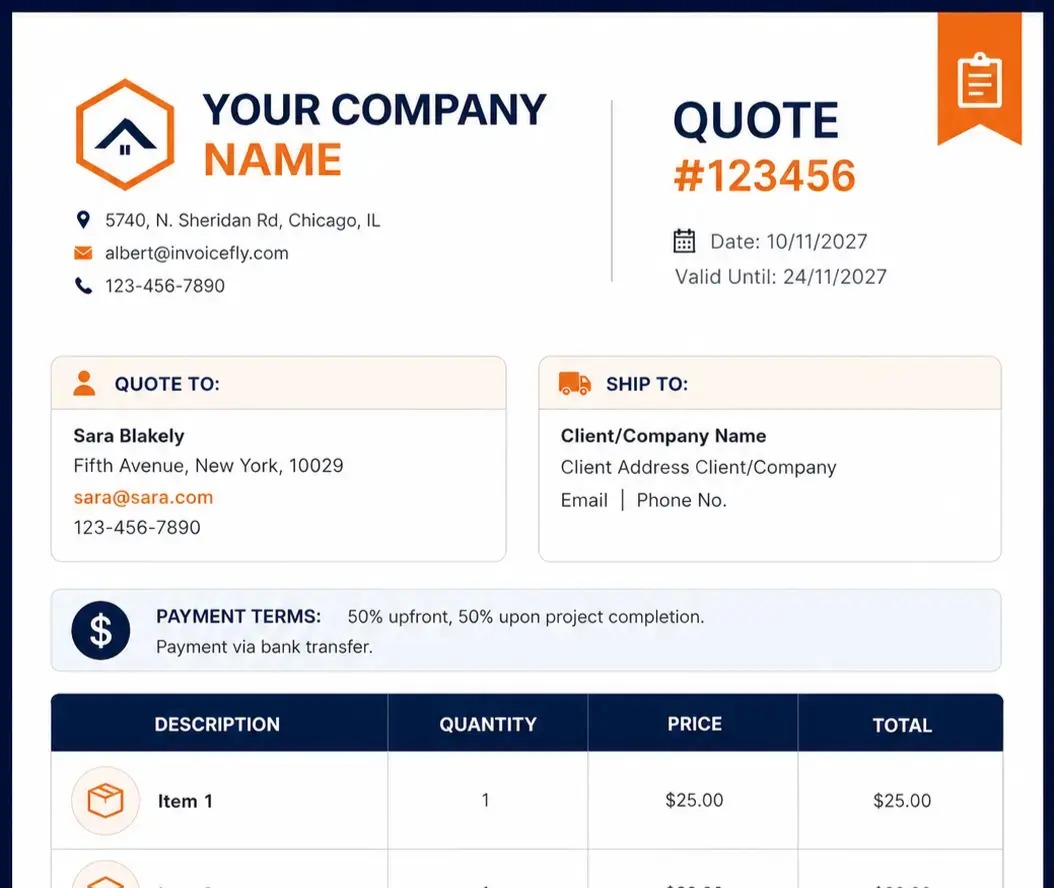
All Templates
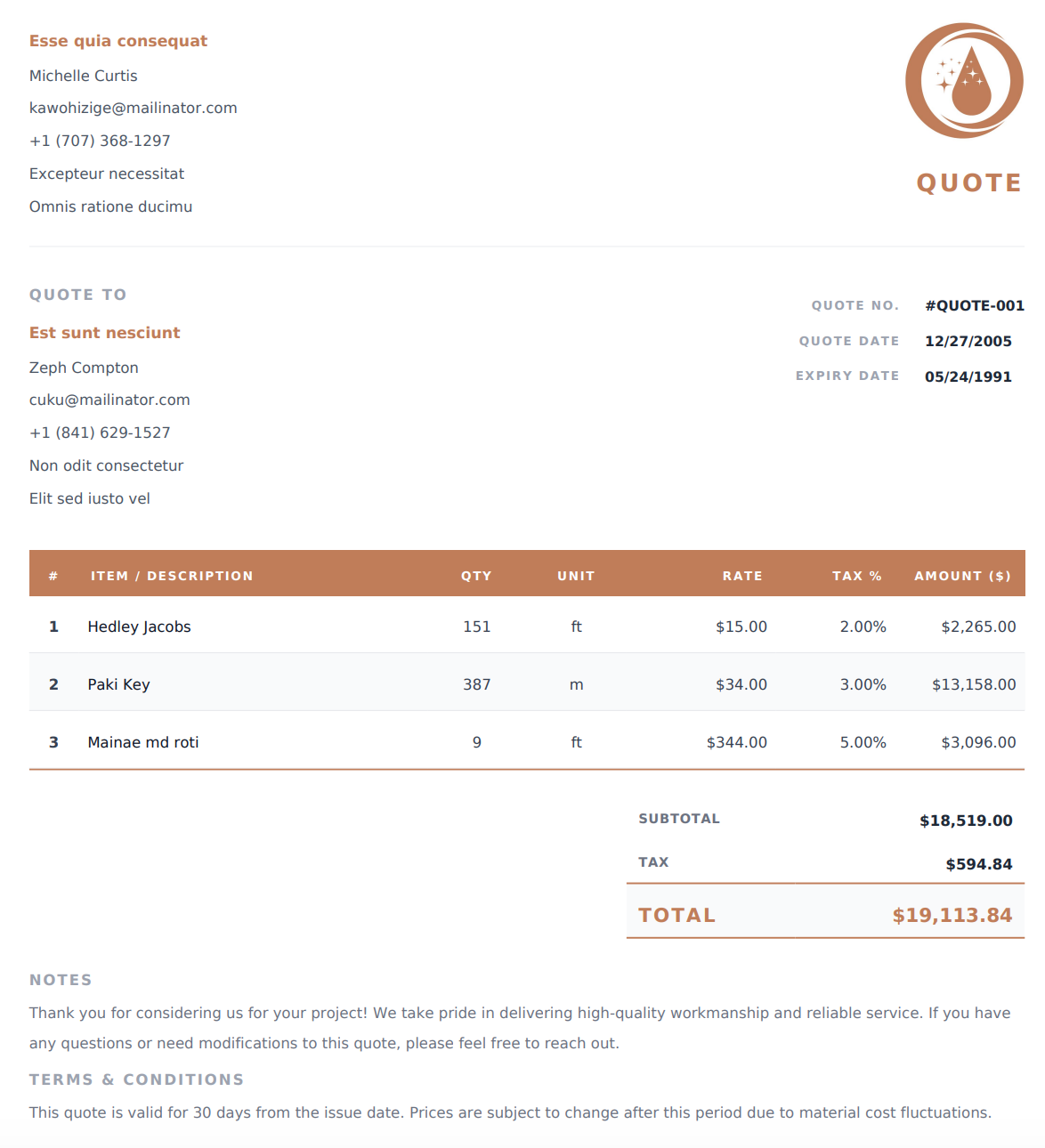
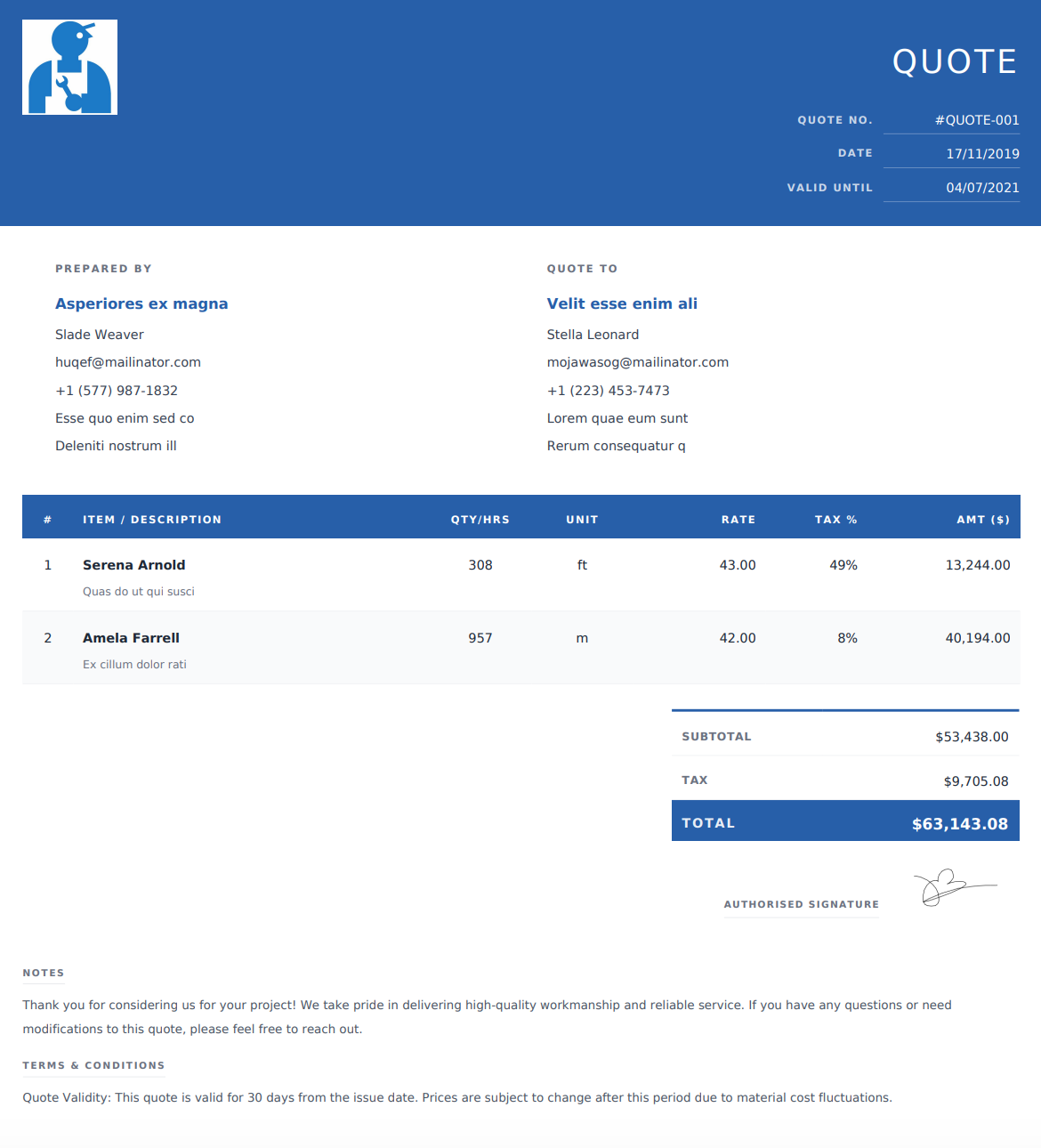
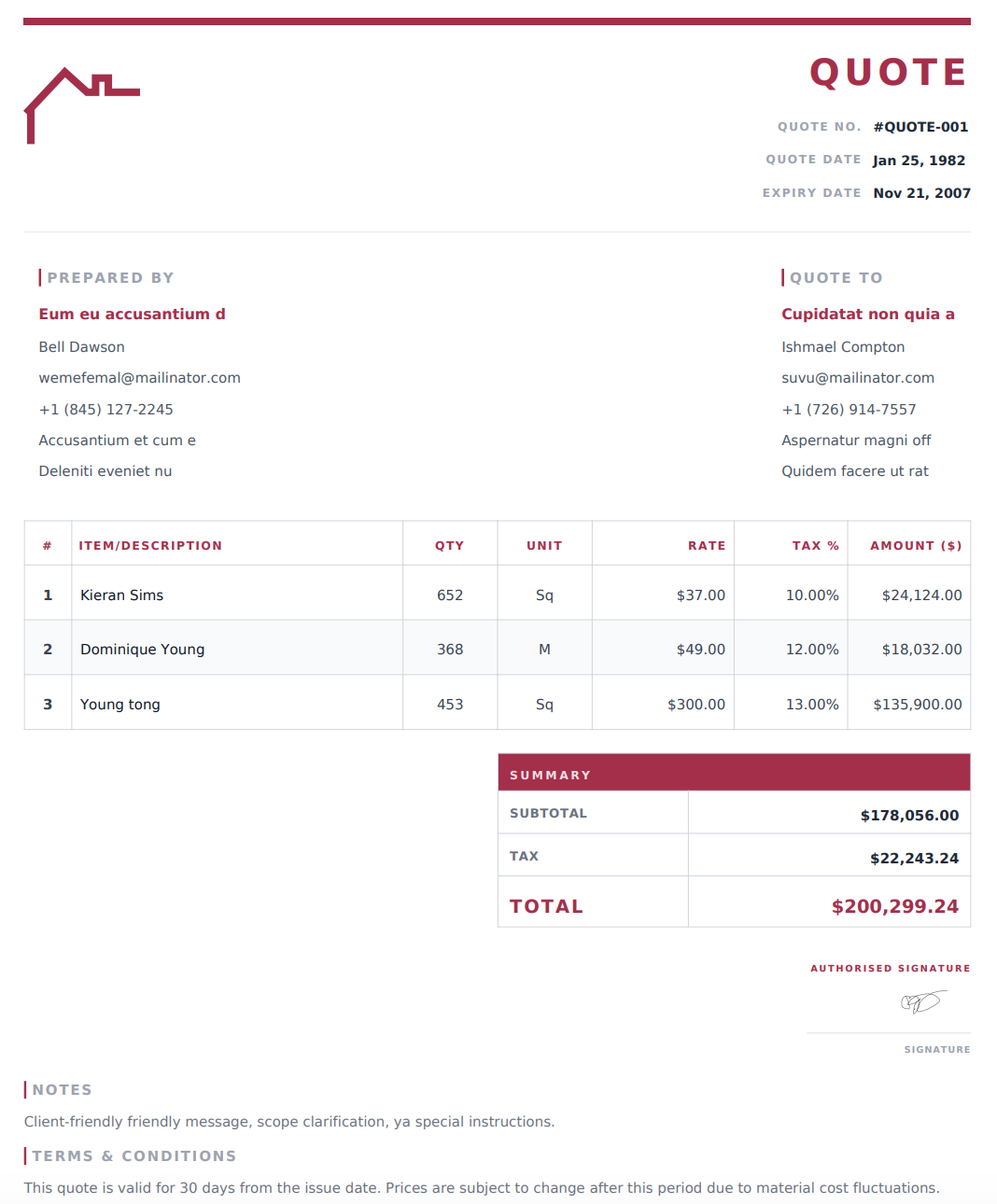
Browse our complete collection of professional, print-ready quote formats.
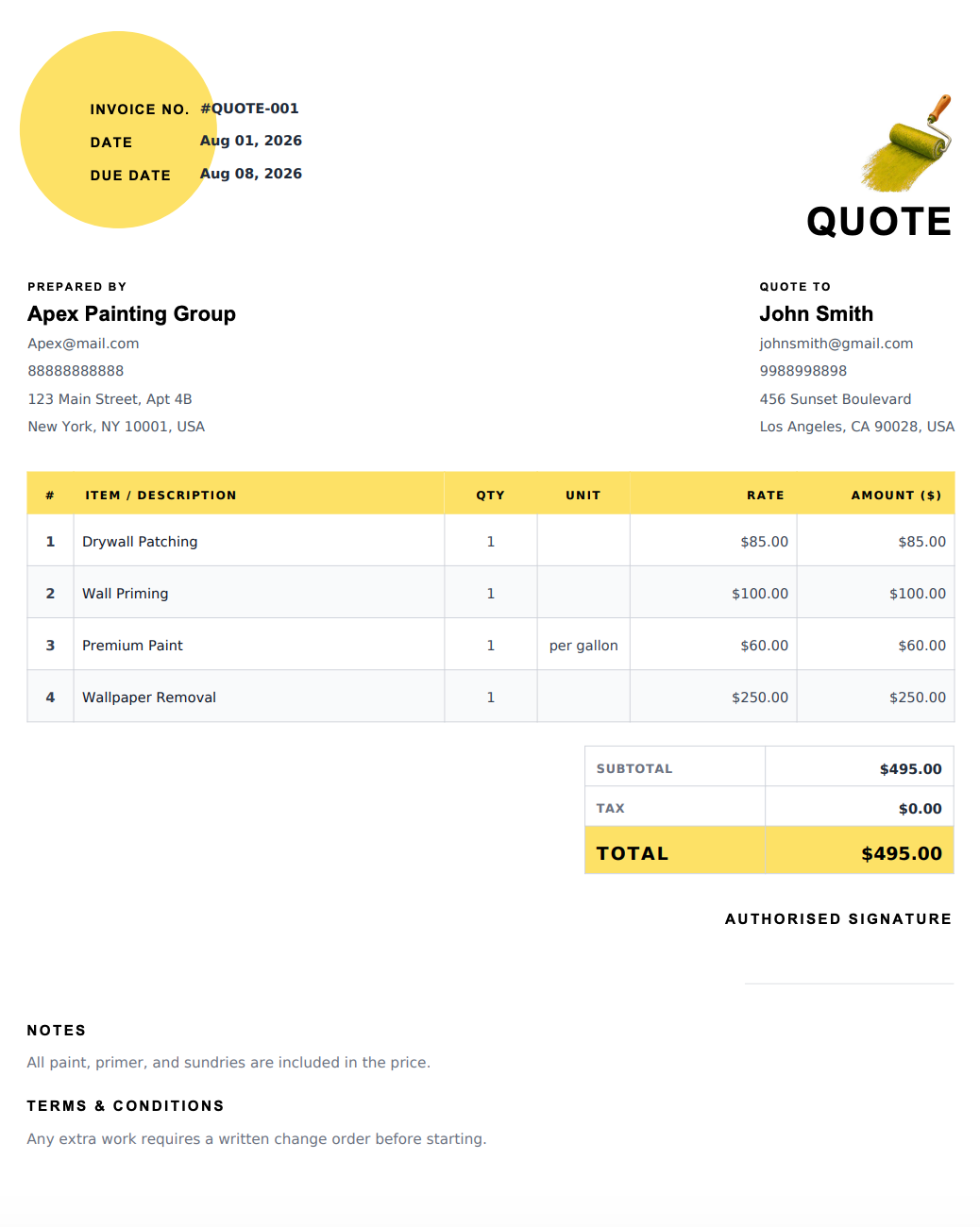
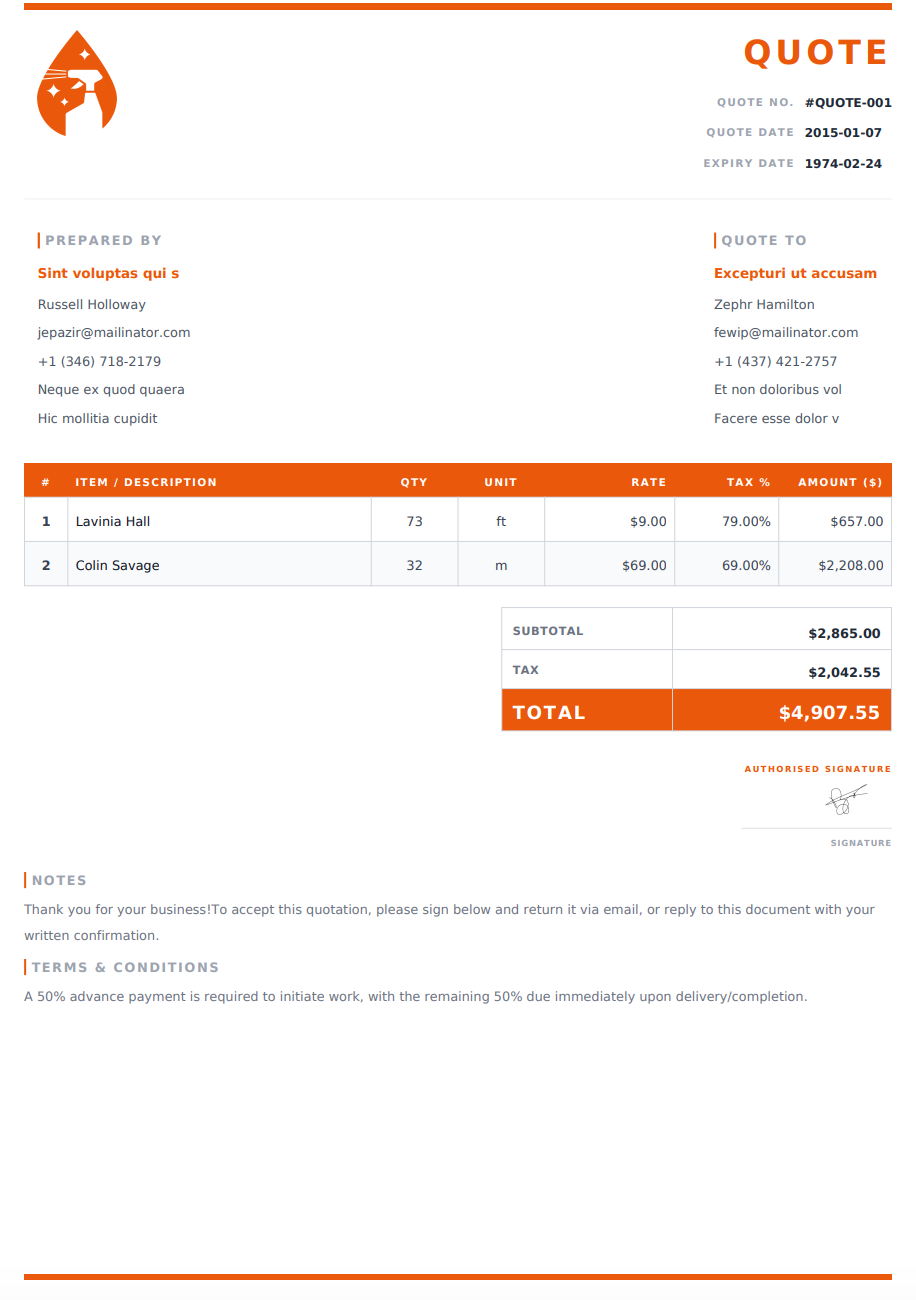
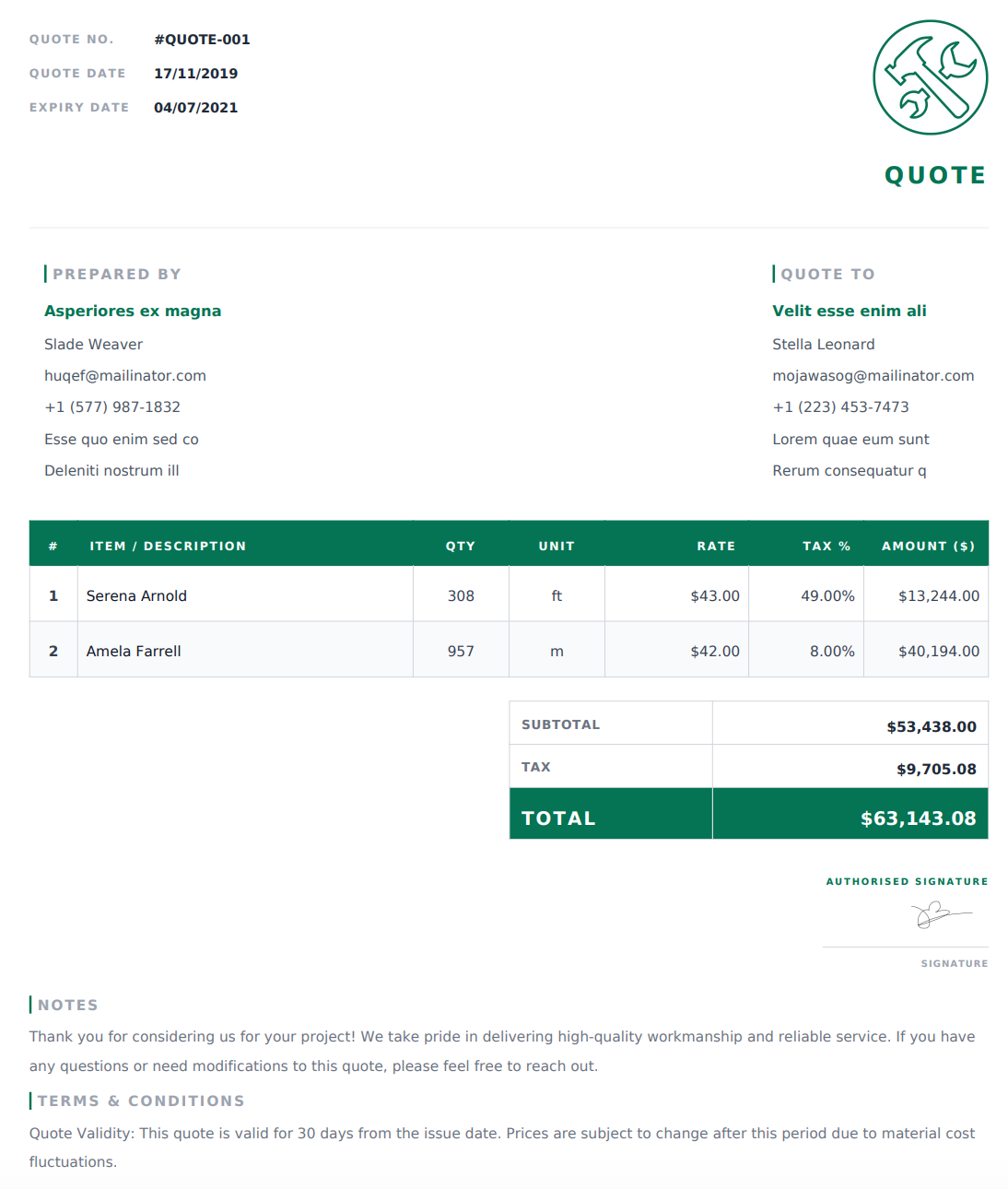
Browse Quote Templates
Select your trade to see specialized quote templates and generators.
Why Contractors Choose Our Online Quote Templates
Prepare an itemized quote without designing a document from scratch. Choose an online template, enter the proposed work and pricing, and download a PDF to share with your customer before the job begins.
Make Your Pricing Easy to Understand
List labor, materials, quantities, and rates so customers can see what your proposed price includes. Add applicable taxes, discounts, and notes to explain the total.
Customize Your Quote for the Job
Update your business and customer details, describe the proposed services, and include relevant terms. Adapt your quote for a small repair, a new installation, or a larger contractor project.
Choose a Design for Your Business
Browse the available quote designs and select a layout that presents your scope and pricing clearly. Preview your completed quote before downloading it.
Download a PDF to Share or Print
Create your quote online and download the finished document as a print-ready PDF. Email it to your customer or print a copy for review.
How to Create a Quote from an Online Template
1. Choose Your Trade or Design
Browse the online quote templates or select your trade to find relevant options. Click “Use This Template” to open a design in the quote generator.
2. Add Business and Customer Information
Enter your business details, customer information, and the project or service address where relevant.
3. Describe the Work and Add Pricing
List the proposed services, labor, and materials with quantities and rates. Add applicable taxes, agreed discounts, and notes about what the price includes or excludes.
4. Review and Download Your Quote
Check the scope, pricing, and terms, then download your completed quote as a PDF. Review it before sharing it with your customer.
What to Include in Your Contractor Quote
A useful quote explains both the proposed work and its price. Include these details where relevant:
Business and customer details: Who is providing the quote and who it is prepared for.
Quote reference and date: A reference number and issue date for tracking.
Project details: The service address and a clear description of the proposed work.
Itemized pricing: Labor, materials, quantities, rates, and applicable taxes.
Total quoted price: A clear total, including any discounts.
Inclusions and exclusions: What the quoted price covers and any work or materials priced separately.
Validity period: How long the quoted pricing is available.
Terms and notes: Relevant payment terms, scheduling assumptions, and next steps for the customer.
Use the available fields and notes section to include the information relevant to your job.
Frequently Asked Questions
What is an online quote template?
An online quote template is a pre-designed layout you customize in your browser. Add your business details, proposed work, and pricing, then download the completed quote as a PDF.
Are these online quote templates free?
Yes. You can customize the online templates and download your completed quote as a PDF for free. No signup is required.
Can I customize my quote before downloading it?
Yes. You can update business and customer details, line items, quantities, pricing, taxes, discounts, notes, and payment terms before downloading the PDF.
Which trades can use these templates?
You can customize the templates for contractor services such as roofing, plumbing, electrical, HVAC, painting, landscaping, cleaning, and construction. Choose an available design and adjust the descriptions and pricing to match your work.
Are these downloadable Word or Excel templates?
The templates on this page are for use in the online quote generator. You customize your quote on the website and download the completed document as a PDF.
Can I list labor and materials separately?
Yes. Add separate line items for labor and materials, with quantities and rates, to give your customer a clear breakdown of the proposed price.
What is the difference between a quote and an invoice?
A quote presents proposed work and pricing for a customer to review before proceeding. An invoice requests payment, such as an agreed deposit, progress payment, or final balance.
Can I use these templates for residential and commercial projects?
Yes. Customize the scope, line items, and terms for residential or commercial work, from small service jobs to larger installations and projects.
Can I print or email my quote?
Yes. Download the completed PDF, then attach it to an email, share it through your preferred messaging app, or print a copy.
Can I change my quote after downloading it?
If your details are still available in the generator, make your changes and download a new PDF. Changes will not update a PDF you have already downloaded. If your details are no longer available, you’ll need to enter them again.
Find the Right Online Quote Template
Choose a quote template that suits your trade and the work you’re proposing. Add roofing materials, plumbing parts, electrical labor, or other job details as itemized entries. Customize your quote online, review the scope and pricing, and download a professional PDF to share with your customer.