Free Electrical Quote Generator & Online Templates
Create electrical quotes online with itemized labor, materials, and pricing. Choose a template, customize your details, and download a free PDF.
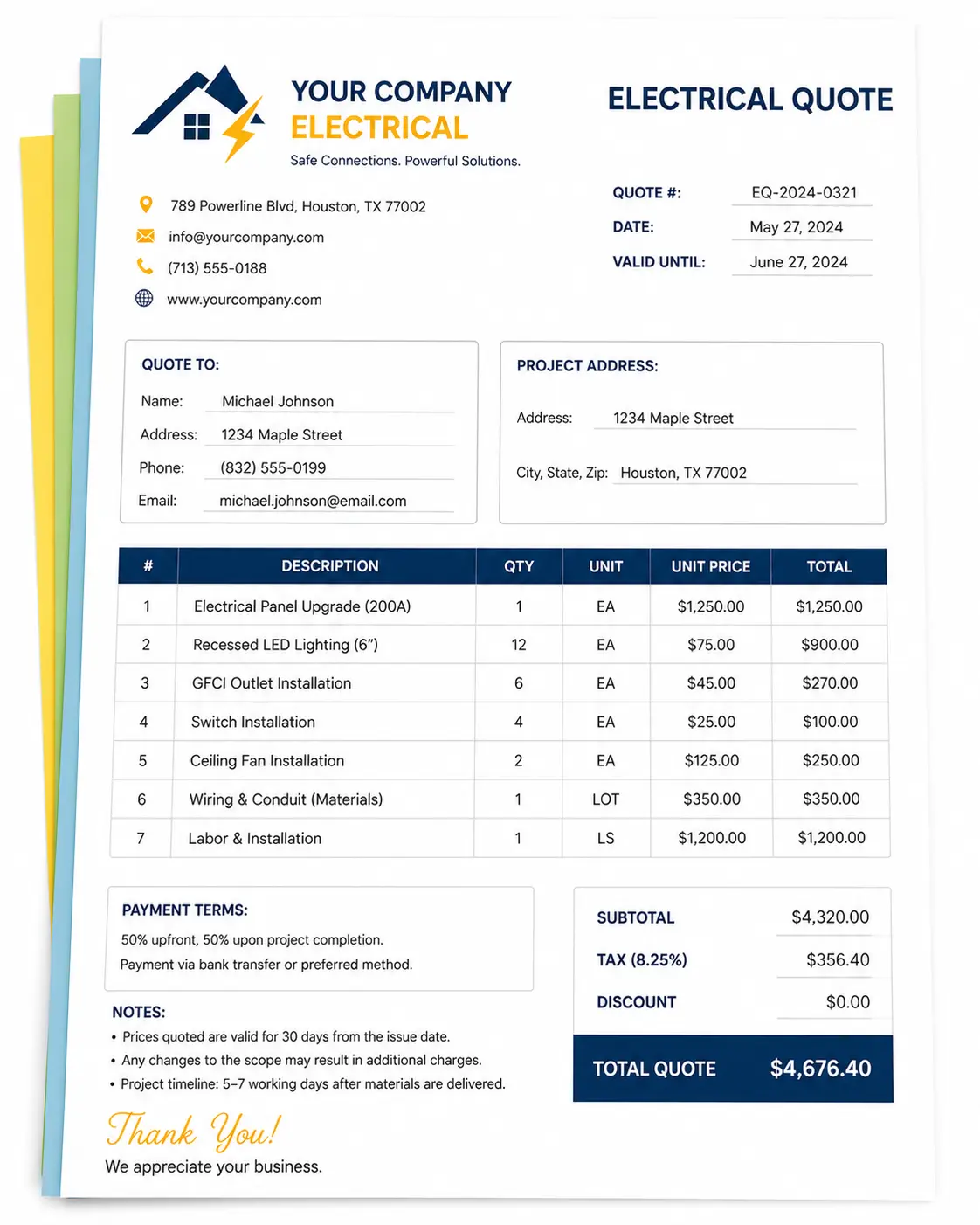
Quote Preview
Authorised Signature
Choose an Online Electrical Quote Template
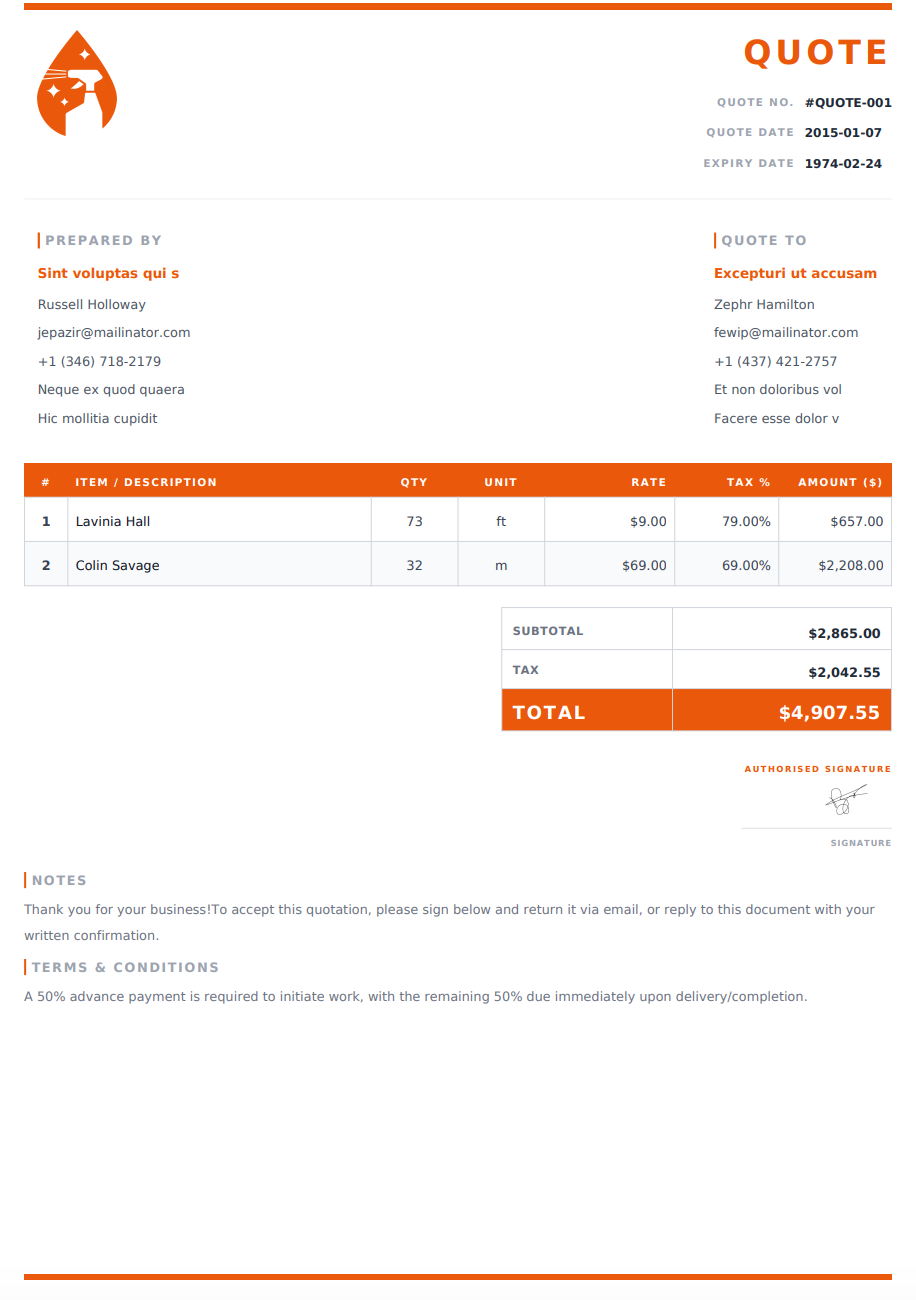
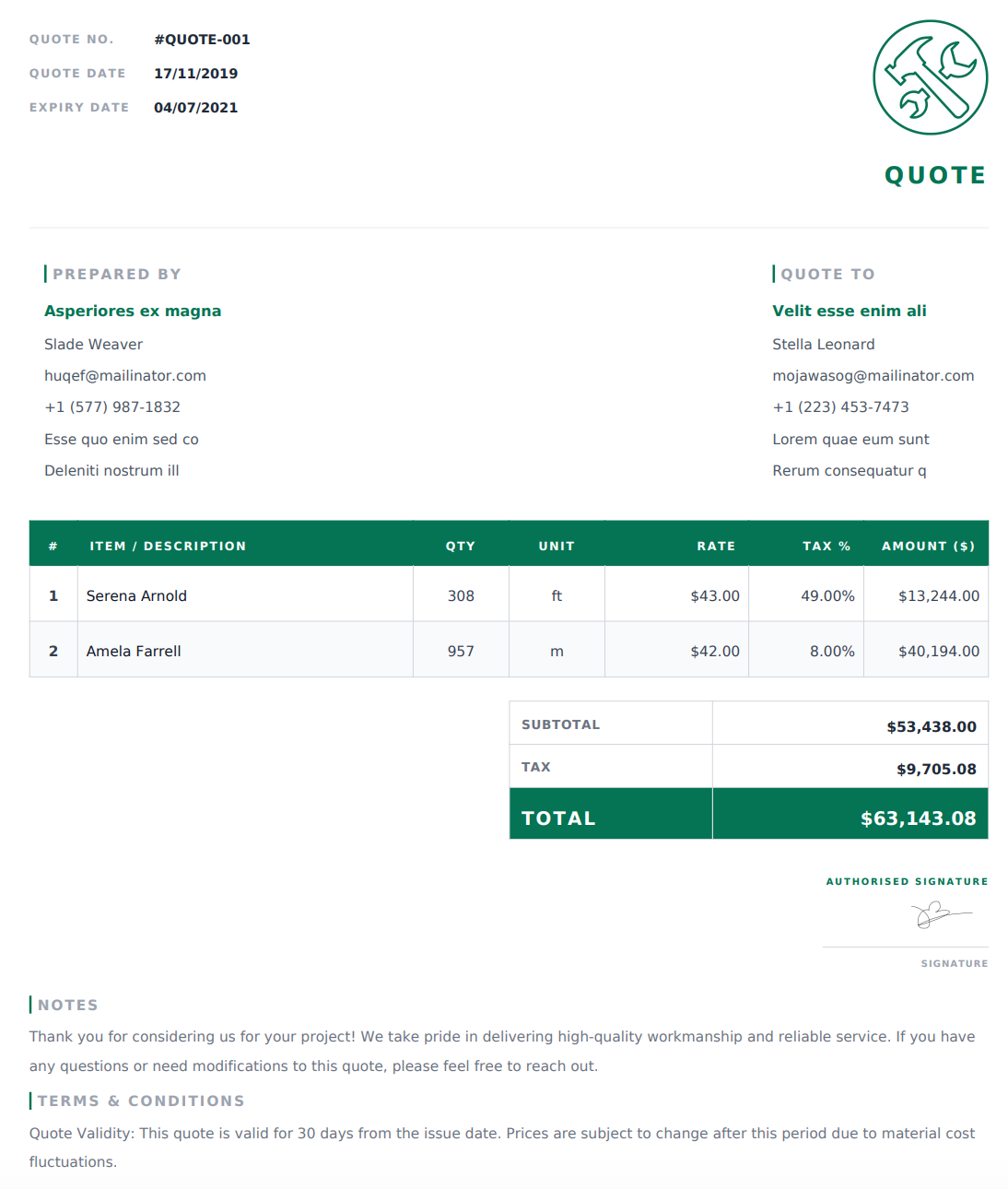
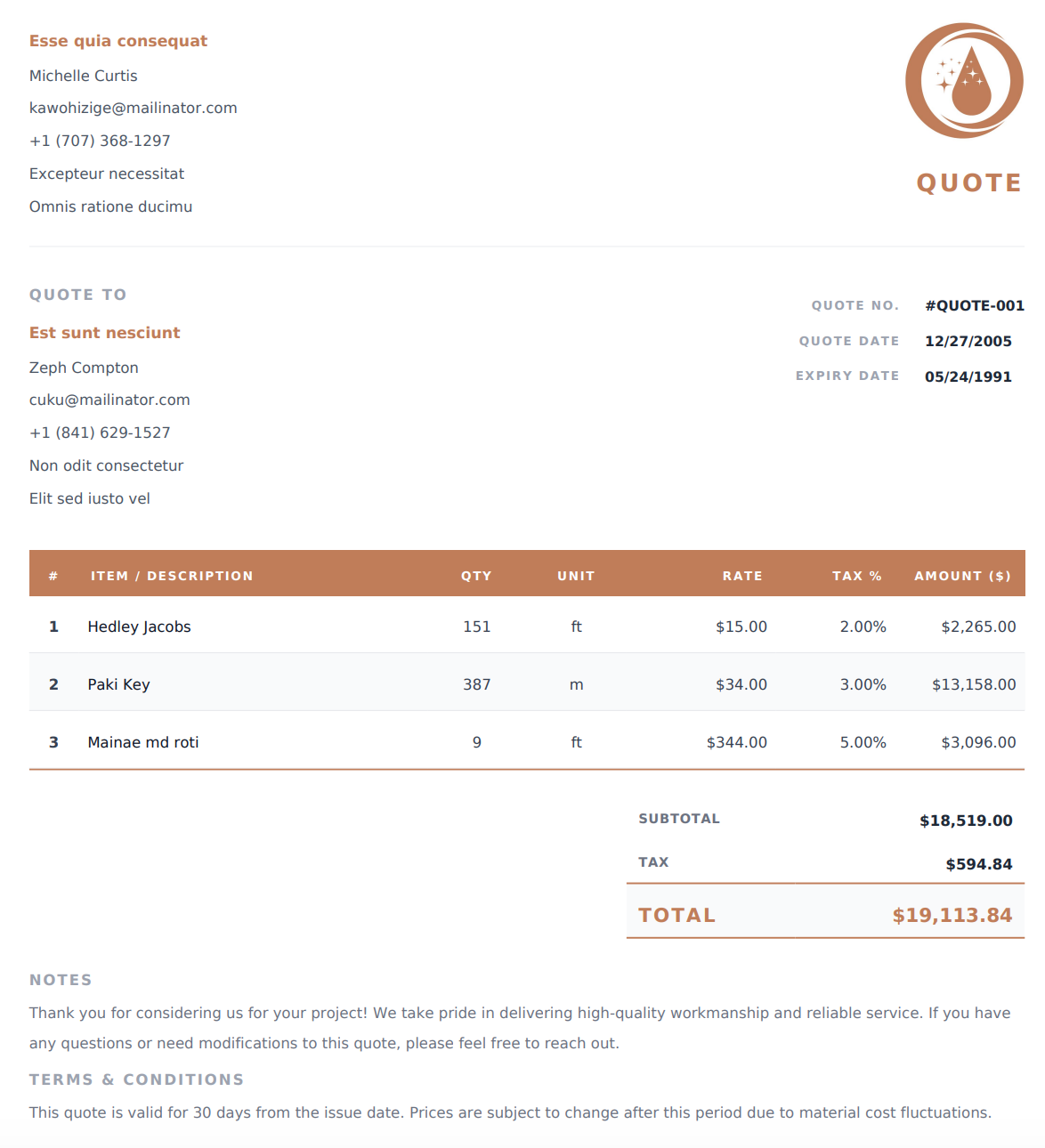
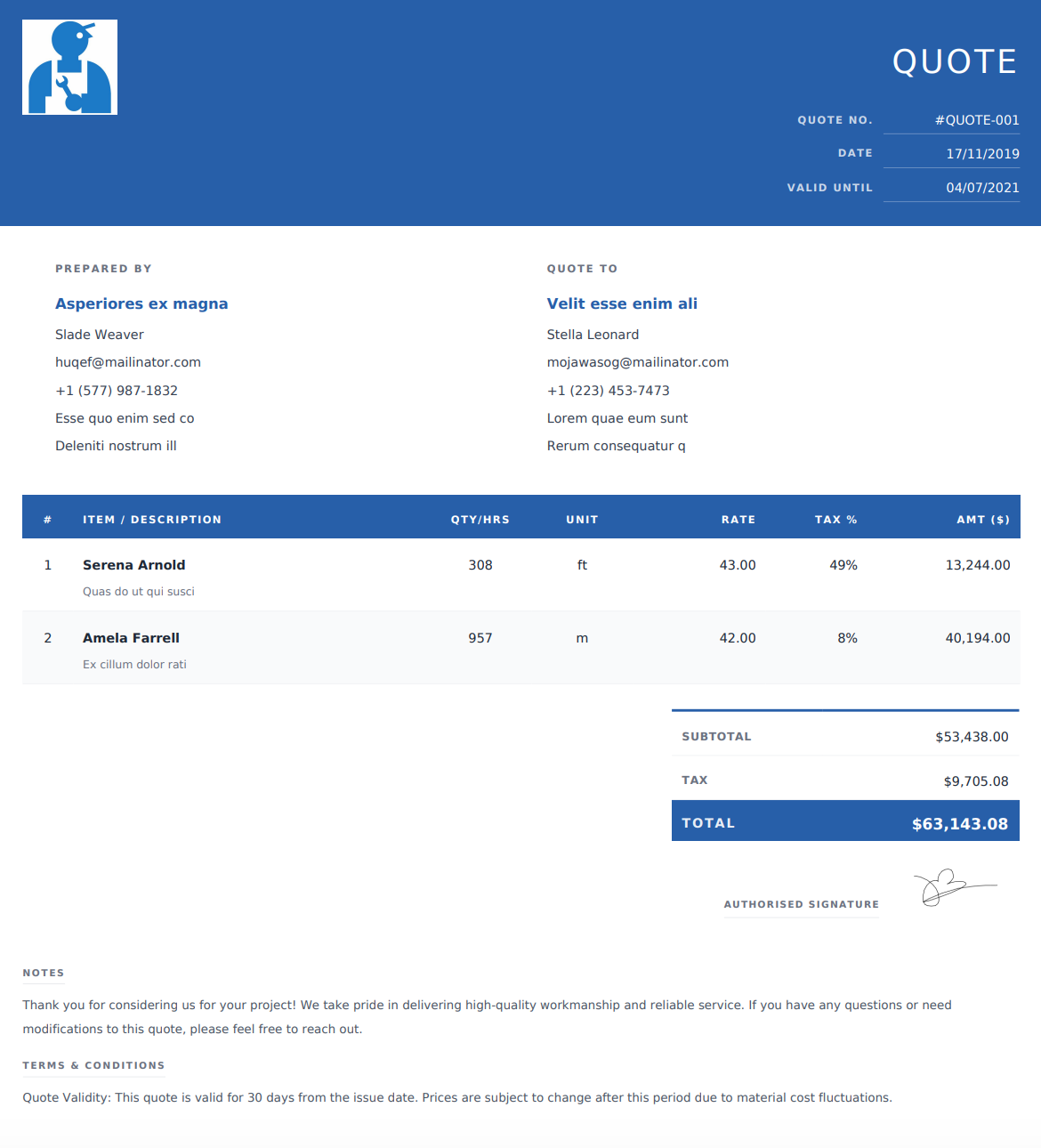
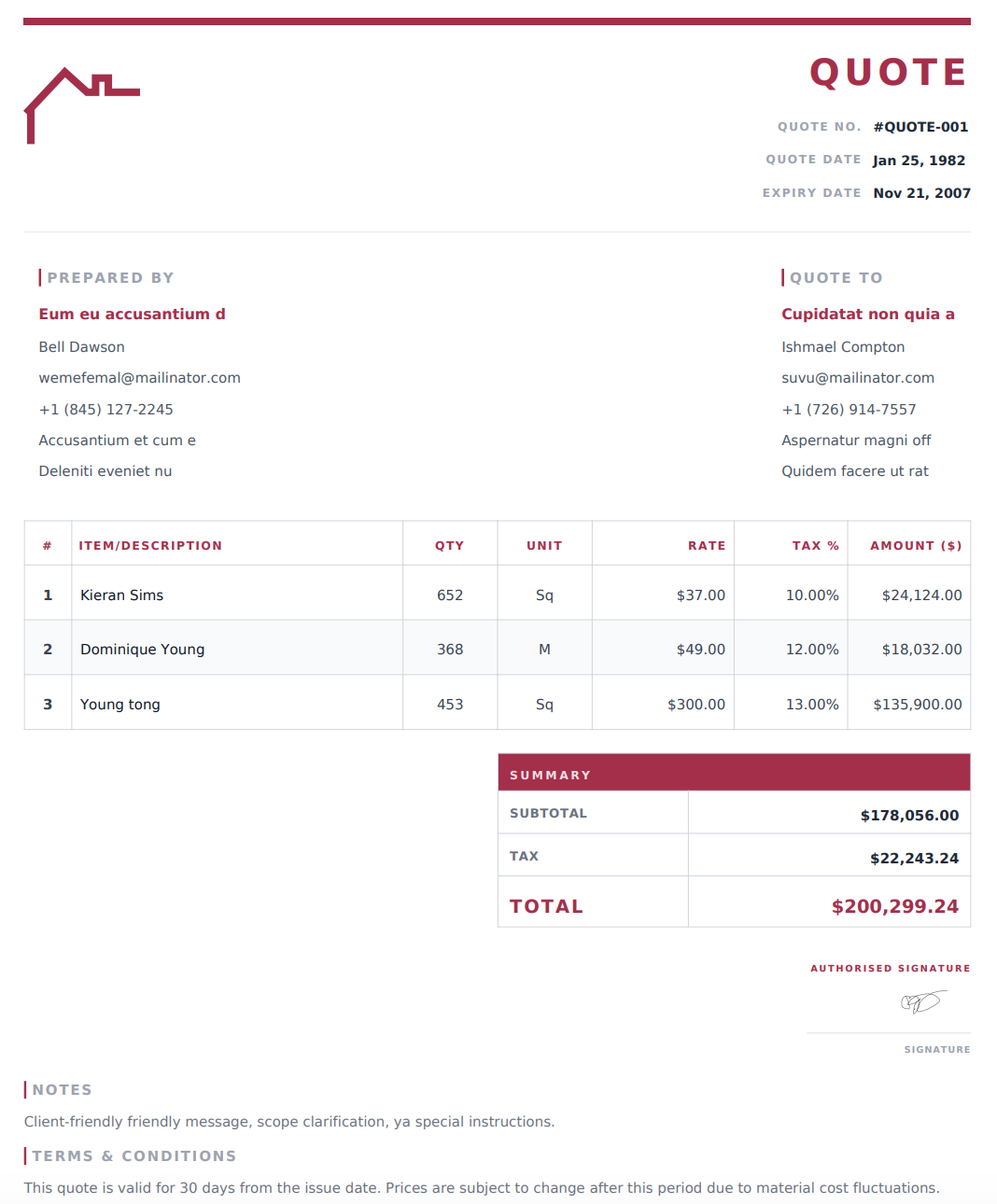
Select a design below to customize your Electrical Quote Generator online, then download your completed quote as a PDF.
How to Create an Electrical Quote Online
1. Add Your Business and Customer Details
Enter your electrical business name and contact information, then add your customer’s details and the project address. Include a quote reference and issue date for tracking.
2. Describe the Proposed Electrical Work
Outline the installations, repairs, or maintenance you are quoting. Identify the rooms, circuits, fixtures, or equipment involved so the customer can understand the scope.
3. Itemize Labor, Materials, and Equipment
Add descriptions, quantities, and rates for the proposed work. Use the editable item column for hours, fixtures, devices, or other relevant units. Include applicable taxes and discounts; the generator calculates the totals from your entries.
4. Review and Download Your PDF
Add payment terms, quote validity, scheduling assumptions, and exclusions. Check the scope and pricing, then download your completed quote as a PDF to email or print.
What Should an Electrical Quote Include?
A clear electrical quote explains the proposed work, the materials included, and how the price is calculated. Include these details where relevant.
Business, Customer, and Project Information
Add your business contact details, customer information, project address, quote reference, and issue date.
Scope of Electrical Work
Describe the work included in the quoted price, such as wiring, lighting installation, panel upgrades, outlet replacement, EV charger installation, or troubleshooting. Identify the areas or equipment covered by the proposal.
Materials and Equipment
List major components such as panels, breakers, cable, conduit, switches, outlets, and lighting fixtures. Include product specifications or model details where they help define what you are supplying.
Clearly distinguish materials you will supply from equipment provided by the customer.
Labor and Pricing Units
Show labor hours and rates or a fixed charge for a defined scope. Label quantities clearly when pricing by fixture, device, circuit, or another unit.
Testing and Project Completion
Describe any testing or commissioning included in the proposed work. If inspections or permit-related costs apply to the project, explain whether they are included in the price or handled separately.
Total Price and Payment Terms
Display applicable taxes, discounts, and the total quoted price. Explain any proposed deposit or milestone payment arrangements.
Assumptions, Exclusions, and Validity
State how long the quote is valid and identify assumptions that affect pricing. Clarify whether related work, such as wall repairs, painting, trenching, or utility coordination, is included or excluded.
Common Electrical Quote Line Items
Use specific descriptions that reflect the work you are proposing.
Work or Material | Details to Include |
|---|---|
Wiring installation | Area served, cable description, quantity, and rate |
Lighting installation | Fixture type, quantity, and installation charge |
Outlets and switches | Device type, quantity, and location |
Panel upgrade | Proposed equipment and installation scope |
Dedicated circuit | Intended equipment, components, and installation work |
EV charger installation | Charger supply, wiring, associated components, and labor |
Troubleshooting | Defined diagnostic scope and pricing basis |
Electrical labor | Hours and rates, or a fixed project charge |
Testing and commissioning | Services included in the proposal |
Additional project costs | Clearly identified delivery, access, or other charges |
Present optional upgrades separately and explain whether they are included in the displayed total.
Why Use Our Online Electrical Quote Generator?
Customize Your Quote Online
Edit your business details, project scope, line items, and terms in the generator before downloading your quote.
Use Units That Fit the Work
Adapt the editable item column for quantities, hours, fixtures, circuits, or other units. Add or remove entries to match the project.
Calculate Totals Automatically
The generator calculates subtotals and totals from the values you enter. Review quantities, rates, and adjustments before sharing the final quote.
Choose a Design and Download a PDF
Select an online template that presents your proposal clearly. Download the completed quote as a print-ready PDF for your customer to review.
Before You Send Your Electrical Quote
Check the project address, scope, component descriptions, quantities, and prices. Confirm which materials you will supply and which, if any, the customer will provide.
Make sure additional work and optional upgrades are clearly identified. Review exclusions, payment terms, and the quote expiry date, then save a copy of the PDF you send.
Frequently Asked Questions
Is the electrical quote generator free?
Yes. You can create an electrical quote online and download the completed document as a PDF for free.
How do I use an online electrical quote template?
Select a design from the template list to use it in the generator. Add your business details, proposed work, materials, labor, and pricing, then review and download your PDF. You can also start with the generator’s default design.
Can I use this for residential and commercial electrical work?
Yes. Customize the scope and line items for residential, commercial, or industrial projects, including installations, repairs, and maintenance.
Can I quote labor by the hour?
Yes. Use the editable item column for hours and enter your hourly rate. You can also use a fixed charge for a clearly described scope of work.
Can I list electrical materials separately?
Yes. Add separate entries for materials and equipment, with descriptions, quantities, and rates. This helps customers understand what your proposed price includes.
Can I create quotes for panel upgrades or EV charger installations?
Yes. Customize the line items for the equipment, wiring, components, labor, and testing included in your proposal.
Can I include optional equipment upgrades?
Yes. Describe and price optional upgrades separately, clearly stating whether they are included in the displayed total. You can prepare separate quote versions when comparing alternatives with different totals.
Are these downloadable Word or Excel templates?
The templates on this page are for the online electrical quote generator. You customize your quote on the website and download the completed document as a PDF.
What is the difference between an electrical quote and an invoice?
An electrical quote presents proposed work and pricing for the customer to review before proceeding. An invoice requests payment, such as an agreed deposit, progress payment, or final balance.
Can I print or email my electrical quote?
Yes. Download the completed PDF, then attach it to an email, share it through your preferred messaging app, or print a copy.
Can I revise my quote after downloading it?
If your details are still available in the generator, update them and download a new PDF. Changes will not update a PDF you have already downloaded. If the details are no longer available, you’ll need to enter them again.