Free Handyman Quote Generator & Online Templates
Create handyman quotes online for repairs and maintenance. Itemize tasks, labor, and materials, choose a template, and download a free, print-ready PDF.
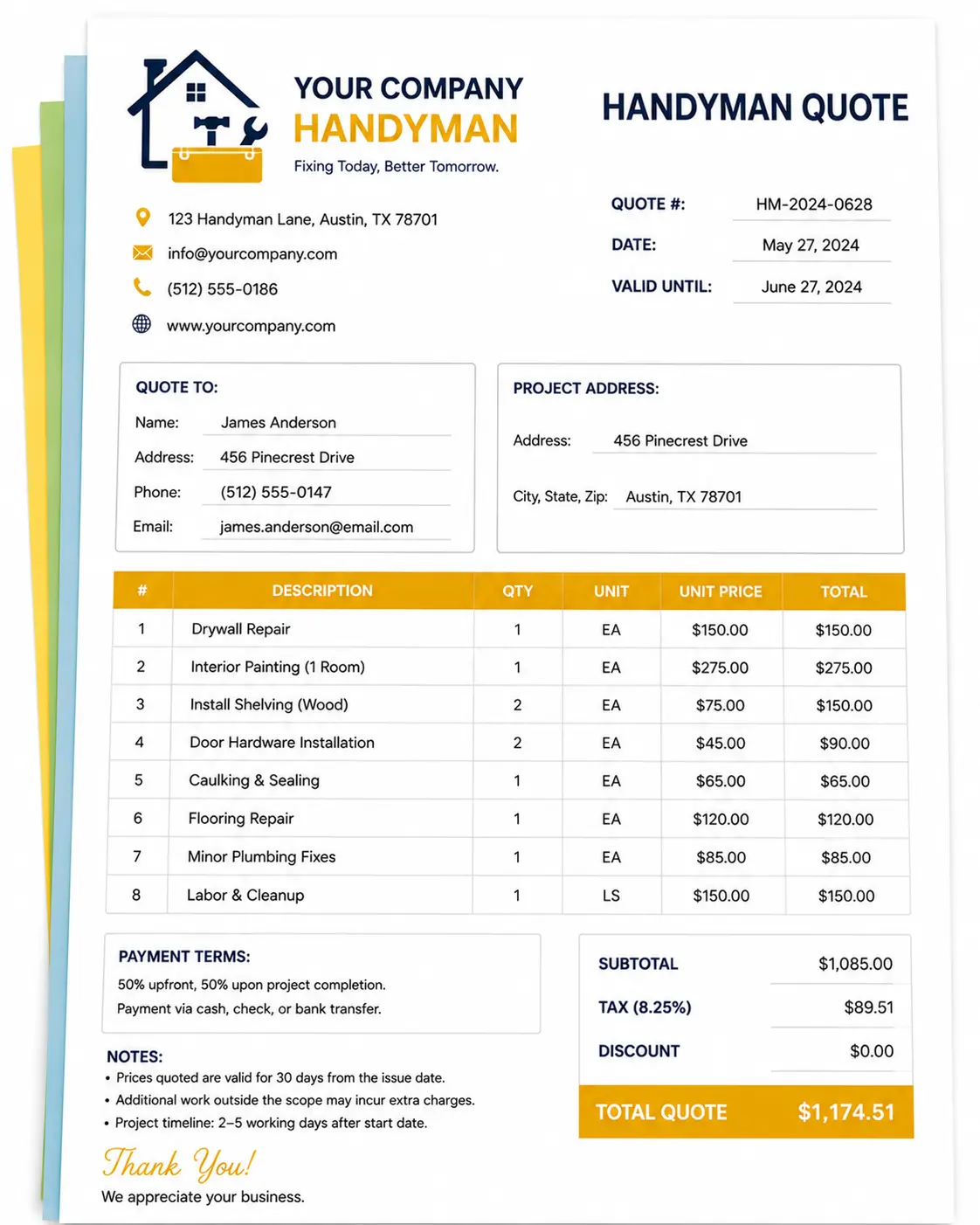
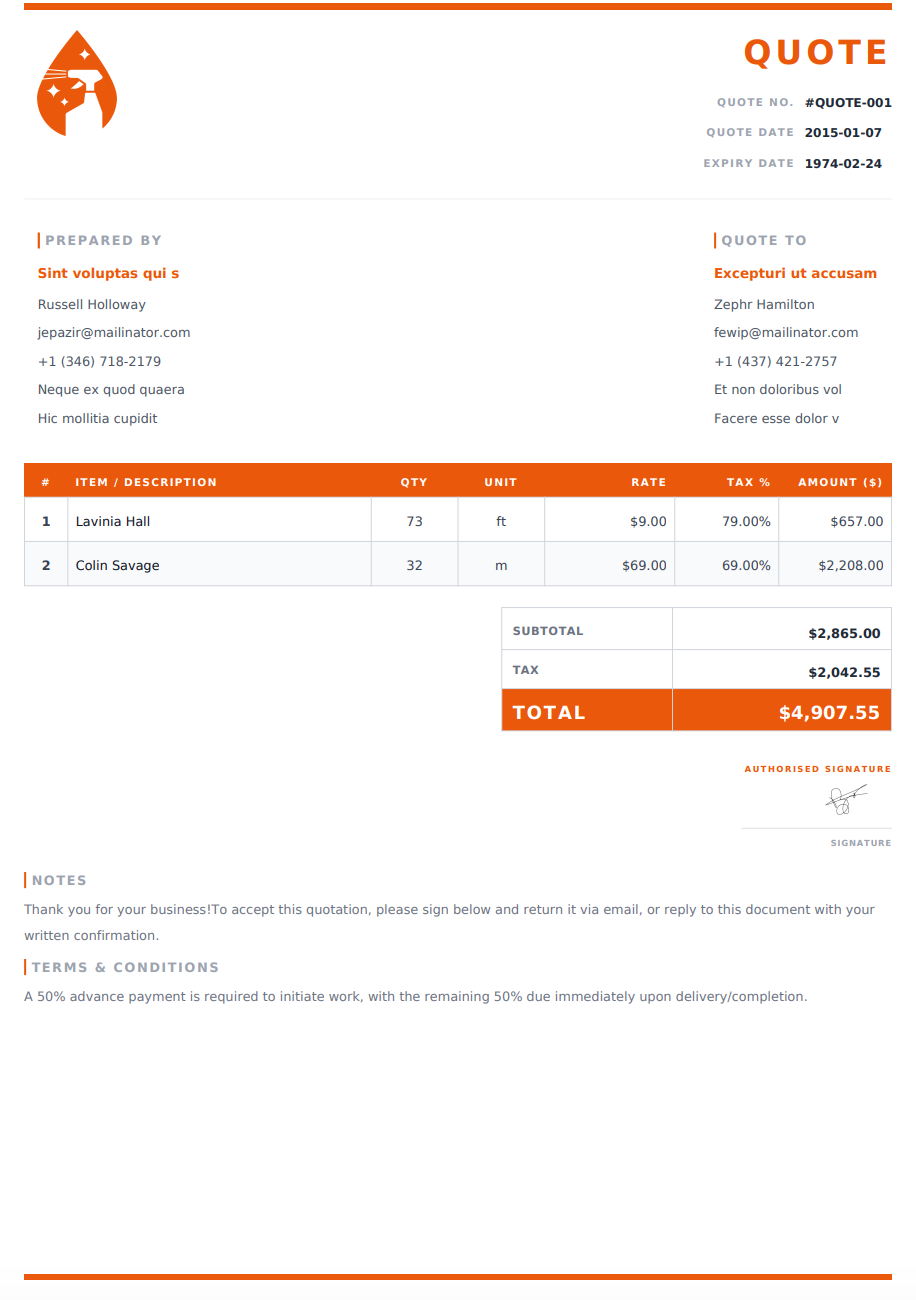
Quote Preview
Authorised Signature
Choose an Online Handyman Quote Template
Select a design below to customize your Handyman Quote Generator online, then download your completed quote as a PDF.
Turn Your Customer’s Task List into an Itemized Quote
A handyman visit can involve several unrelated jobs, from assembling furniture to repairing a door or patching a wall. Give each task its own description so the customer can understand what you propose to complete and how you have priced it.
Use the online generator to bring those tasks, materials, and charges into one quote. Start with the default design or select an online template, then customize the details for the property and the work involved.
1. Add the Customer and Property Details
Enter your business name and contact information, followed by the customer’s details and the address where the work will take place. Add a quote reference and issue date so you can identify the proposal when discussing changes.
2. Break the Job into Individual Tasks
List each repair, assembly, or installation separately. Include the room or location where helpful—for example, “Adjust bedroom door and replace handle” rather than simply “Door repair.”
For work involving several items, specify the quantity and describe what is included.
3. Enter Your Pricing and Materials
Add labor charges and the materials you will supply. Use the editable pricing column for hours, quantities, units, or visits, depending on how you price the job.
Include any applicable taxes, discounts, and clearly described additional charges. The generator calculates totals from your entries.
4. Add Your Terms and Download the PDF
Explain payment terms, quote validity, exclusions, and any arrangements the customer needs to confirm. Review the task list and total, then download your quote as a PDF to email or print.
Make It Clear What Your Price Covers
Customers should be able to read your quote and understand what will be completed during the visit. A few specific details can prevent confusion over materials, preparation, and additional work.
Define the Finish for Each Task
Describe the result included in your price. For a wall repair, explain whether the work covers patching only or also sanding and painting. For shelving, specify the number of shelves and whether brackets and fixings are included.
Avoid leaving related tasks implied when they affect the price.
Explain Hourly and Fixed-Price Charges
For hourly work, show the rate and the number of hours used to calculate the quoted amount. Clarify whether those hours are an allowance or whether the amount is a fixed price for the defined task.
For fixed-price work, identify the service and quantity clearly. If you mix pricing methods, label each entry so the customer can follow the total.
Identify Who Supplies Materials
Separate materials you will purchase from items the customer will provide. List relevant quantities, sizes, or product details where available.
If the customer is supplying furniture, shelving, paint, or other items, note what needs to be available before the visit.
Show Visit Charges and Cleanup Arrangements
State whether your price includes travel, a call-out fee, or a minimum service charge. Explain whether cleanup, packaging removal, and disposal of old materials are included.
These charges and arrangements should be visible before the customer decides to proceed.
Keep Extra Work Separate
If you identify additional repairs or improvements, present them as optional work. Make it clear whether their prices are included in the displayed total.
For alternatives with different totals, prepare separate quote versions so the customer can compare the options.
Example Tasks to Include in a Handyman Quote
Use line items that describe the actual work proposed.
Task or Charge | Details to Include |
|---|---|
Furniture assembly | Item type, quantity, and assembly scope |
Shelving installation | Number of shelves, location, and fixings supplied |
Drywall repair | Repair area and finishing work included |
Painting touch-ups | Surfaces, preparation, and paint supply |
Door adjustments | Door location, adjustment work, and replacement hardware |
Curtain rail installation | Quantity, location, and materials included |
Fence repairs | Sections or components to be repaired or replaced |
Gutter cleaning | Areas included and debris disposal arrangements |
Labor | Hours and rate, or a fixed charge for a defined task |
Materials | Product descriptions, quantities, and prices |
Travel or call-out | Any applicable visit charge |
Include only the tasks relevant to the customer’s request. Where the condition or extent of a repair is uncertain, explain what needs to be checked before confirming the full scope and price.
Adapt Your Quote for a Single Repair or a Full Maintenance Visit
Small Repairs and Assembly Jobs
For one task, keep the quote concise while clearly describing the work, materials, and total. A simple online design can make these details easy to review.
Multiple Jobs at One Property
Group related tasks by room or area using clear item descriptions. This makes it easier for the customer to check the list and request changes before accepting the proposal.
Property Maintenance Visits
For repeat visits, describe the tasks, number of visits, and pricing period covered by your quote. Identify which materials or additional repairs would be charged separately.
You can adjust the line items for each proposal, choose a design, and download the finished document as a print-ready PDF.
Review the Task List Before You Send
Check that every requested task is included or clearly excluded. Confirm quantities, material responsibilities, and any preparation the customer needs to complete before the visit.
Review access arrangements, visit charges, cleanup, payment terms, and the quote expiry date. Make sure optional work is easy to distinguish from the main price, then save a copy of the PDF you send.
Questions About Handyman Quotes and Online Templates
Is the handyman quote generator free?
Yes. You can create a handyman quote online and download the completed document as a PDF for free.
How do I use an online handyman quote template?
Select a design from the template list to use it in the generator. Add your business details, customer information, tasks, and pricing, then review and download your PDF. You can also start with the generator’s default design.
Can I include several small jobs in one quote?
Yes. Add separate line items for each task, such as furniture assembly, door adjustments, shelving, or wall repairs. Include locations and quantities where useful.
Can I quote hourly and fixed-price work?
Yes. Use hours and an hourly rate for time-based work, or a quantity and fixed rate for a defined service. If you use both methods, make the unit and pricing basis clear in each description.
Can I list materials separately from labor?
Yes. Add separate entries for the materials you will supply, including descriptions, quantities, and prices. Note any items the customer will provide.
Can I add a travel charge or minimum service fee?
Yes. Add an applicable charge as a clearly labeled line item. Explain how it applies so the customer can understand the total.
Can I quote for ongoing property maintenance?
Yes. Describe the tasks and number of visits covered by the proposal. State which materials, additional visits, or repairs are priced separately.
Are these downloadable Word or Excel templates?
The templates on this page are for the online handyman quote generator. You customize your quote on the website and download the completed document as a PDF.
Can I print or email my completed quote?
Yes. Download the PDF, then attach it to an email, share it through your preferred messaging app, or print a copy.
Can I update the quote after downloading it?
If your details are still available in the generator, make your changes and download a new PDF. Changes do not update a PDF you have already downloaded. If the details are no longer available, you will need to enter them again.