Plumbing Invoice Generator and Online Templates
Create plumbing invoices online with itemized labor, parts, and service charges. Choose a template, customize your details, and download a free PDF.
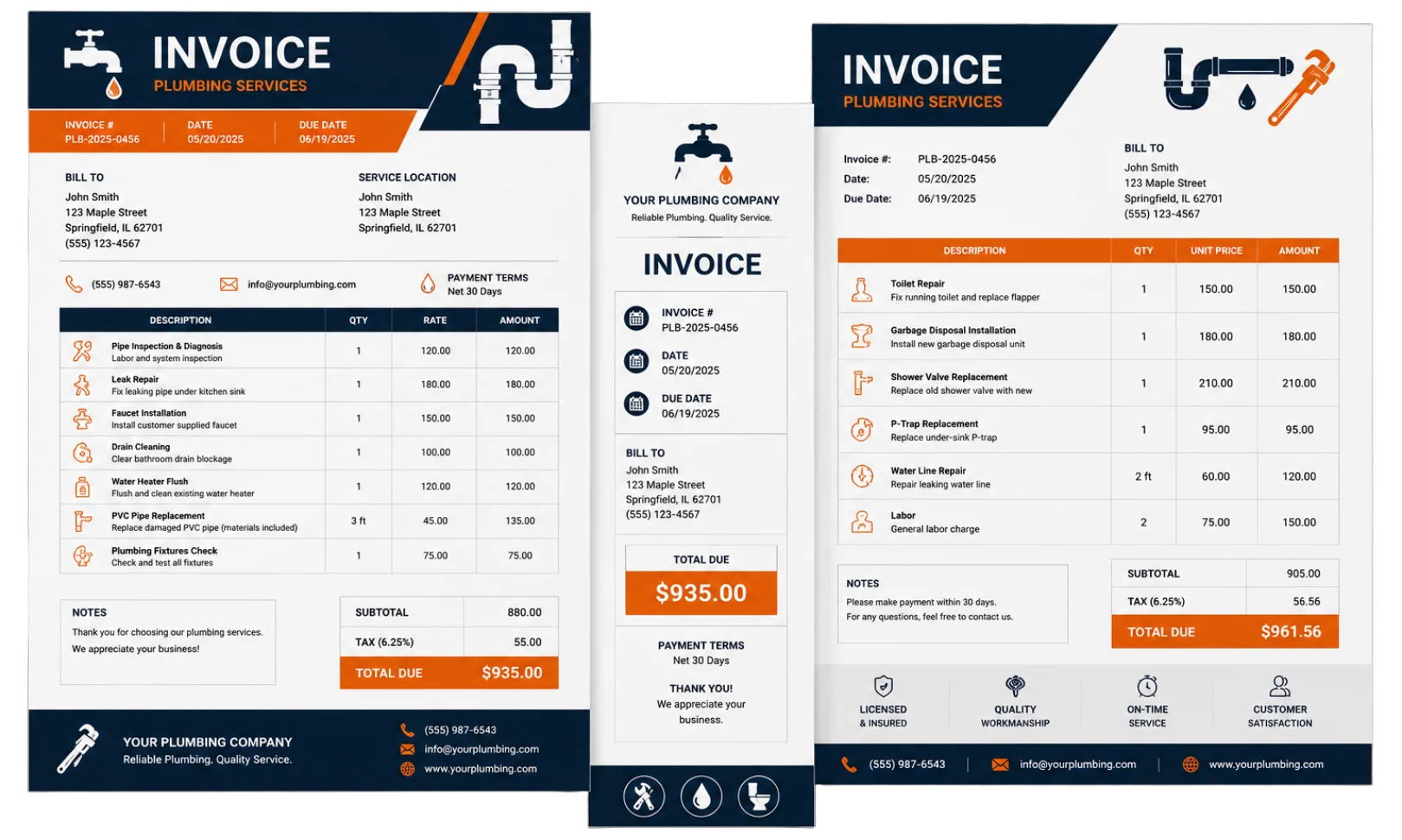
Invoice Preview
Authorised Signature
Choose an Online Plumbing Invoice Template
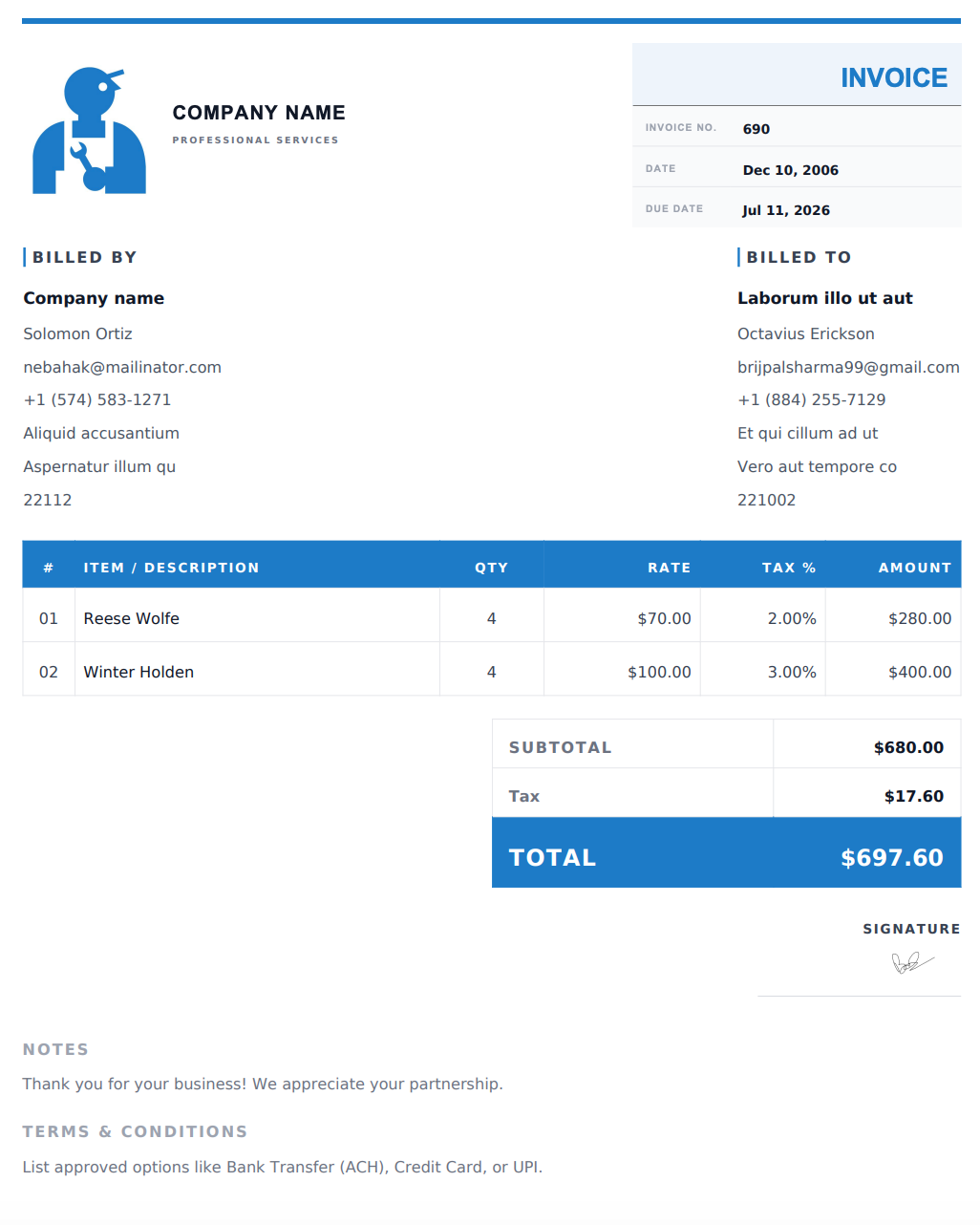
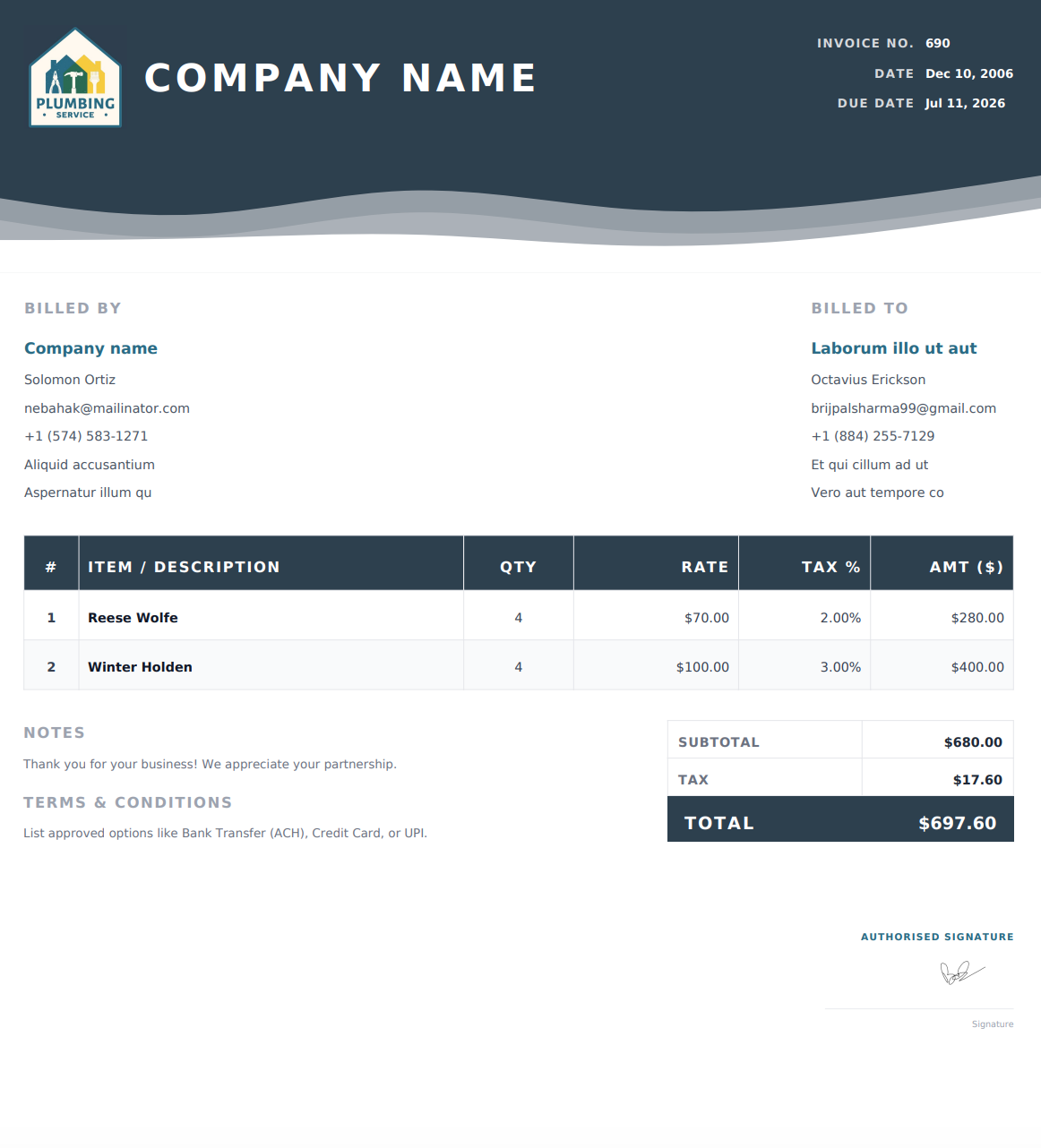
Select a design below to start building your Plumbing Invoice.
How to Create a Plumbing Invoice Online
1. Add Your Business and Customer Details
Enter your plumbing business name and contact information, then add your customer’s name and billing details. Include the service address to identify where the work was performed.
2. List Services, Labor, and Parts
Describe the plumbing work completed, such as leak repairs, drain cleaning, or fixture installation. Add labor and parts as separate line items, with quantities and rates. Clearly identify any agreed call-out or emergency service charges.
3. Include Payment Details
Add an invoice number, issue date, and payment due date. Include applicable taxes, agreed discounts, payment instructions, and any relevant service notes.
4. Review and Download Your PDF
Check your customer details, descriptions, and totals. Download the completed invoice as a PDF, then email it to your customer or print a copy for your records.
What to Include in a Plumbing Invoice
A clear plumbing invoice helps your customer understand the work performed and the charges. Include these details where relevant:
Business details: Your plumbing business name, address, phone number, email, and optional logo.
Customer and service address: Who you are billing and where the work took place.
Invoice details: A unique invoice number, issue date, service date, and payment due date.
Service description: The issue addressed, work completed, and fixtures or systems involved.
Labor charges: Hours and rates, or an agreed fixed service charge.
Parts and materials: Descriptions, quantities, and rates for items supplied.
Additional charges: Any agreed call-out, emergency, or after-hours fees.
Total and payment terms: Applicable taxes, discounts, the amount due, and payment instructions.
Service notes: Relevant maintenance advice or references to warranty documents provided to the customer.
If the customer has already paid a deposit or part of the bill, clearly account for that payment when stating the remaining balance.
Common Plumbing Invoice Line Items
Use descriptions that match the actual job instead of a general label such as “plumbing work.”
Service or Material | Details to Include |
|---|---|
Leak detection and repair | Location of the leak and repair performed |
Drain cleaning | Drain or fixture serviced and work completed |
Pipe replacement | Pipe material, size, and quantity installed |
Faucet or fixture installation | Fixture description and installation charge |
Toilet repair | Repair performed and replacement components |
Water heater installation | Unit details, installation labor, and associated parts |
Sewer line repair | Repair location and scope of work |
Plumbing labor | Hours and rate, or agreed fixed charge |
Parts and fittings | Valves, connectors, seals, and other materials supplied |
Emergency call-out | Agreed service fee and reason for the charge |
Online Invoice Designs for Different Plumbing Jobs
For a small repair or service call, choose a simple layout that makes the job description and amount due easy to find. For installations or jobs with multiple parts, use a design that keeps the itemized breakdown easy to read.
You can customize the invoice details for residential repairs, commercial maintenance, emergency visits, and new installations. Preview your selected design with the actual job information before downloading it.
Before You Send Your Plumbing Invoice
Check that the invoice matches the agreed work and accurately describes any additional services. Separate labor, parts, and call-out fees so the customer can understand the charges.
Confirm the service address, payment instructions, and remaining balance. Send the invoice according to your agreed billing schedule and keep a copy of the final PDF for your records.
Frequently Asked Questions
Is the plumbing invoice generator free to use?
Yes. You can create, customize, and download plumbing invoices as PDFs for free. No account is required, and downloaded invoices contain no watermarks.
How do I use an online plumbing invoice template?
Select a design from the template list to use it in the generator. Enter your business information, customer details, services, and charges, then download the completed invoice as a PDF. You can also start with the generator’s default design.
Can I list labor and plumbing parts separately?
Yes. Add separate line items for labor and parts, including descriptions, quantities, and rates. You can also list agreed call-out or emergency service charges separately.
Can I use this for residential and commercial plumbing?
Yes. Customize the job details and line items for residential repairs, commercial plumbing, maintenance visits, installations, and emergency services.
Are these downloadable Word or Excel templates?
The templates on this page are designed for the online invoice generator. You enter and edit your details on the website, then download your completed invoice as a PDF.
Can I email or print my plumbing invoice?
Yes. After downloading the PDF, you can attach it to an email, share it through a messaging app, or print a copy.
What is the difference between a plumbing estimate and an invoice?
An estimate outlines the expected cost of proposed work. An invoice requests payment for specified services or materials, including a deposit, progress payment, or final balance where agreed.
Can I edit my invoice after downloading it?
If your details are still available in the generator, update them and download a new PDF. Your changes will not update a PDF you have already downloaded. If the details are no longer available, you’ll need to enter them again.